4 Touch Screen
IST Series UPS (10kVA-200kVA)
User Manual
58
4.5.1 Event Log
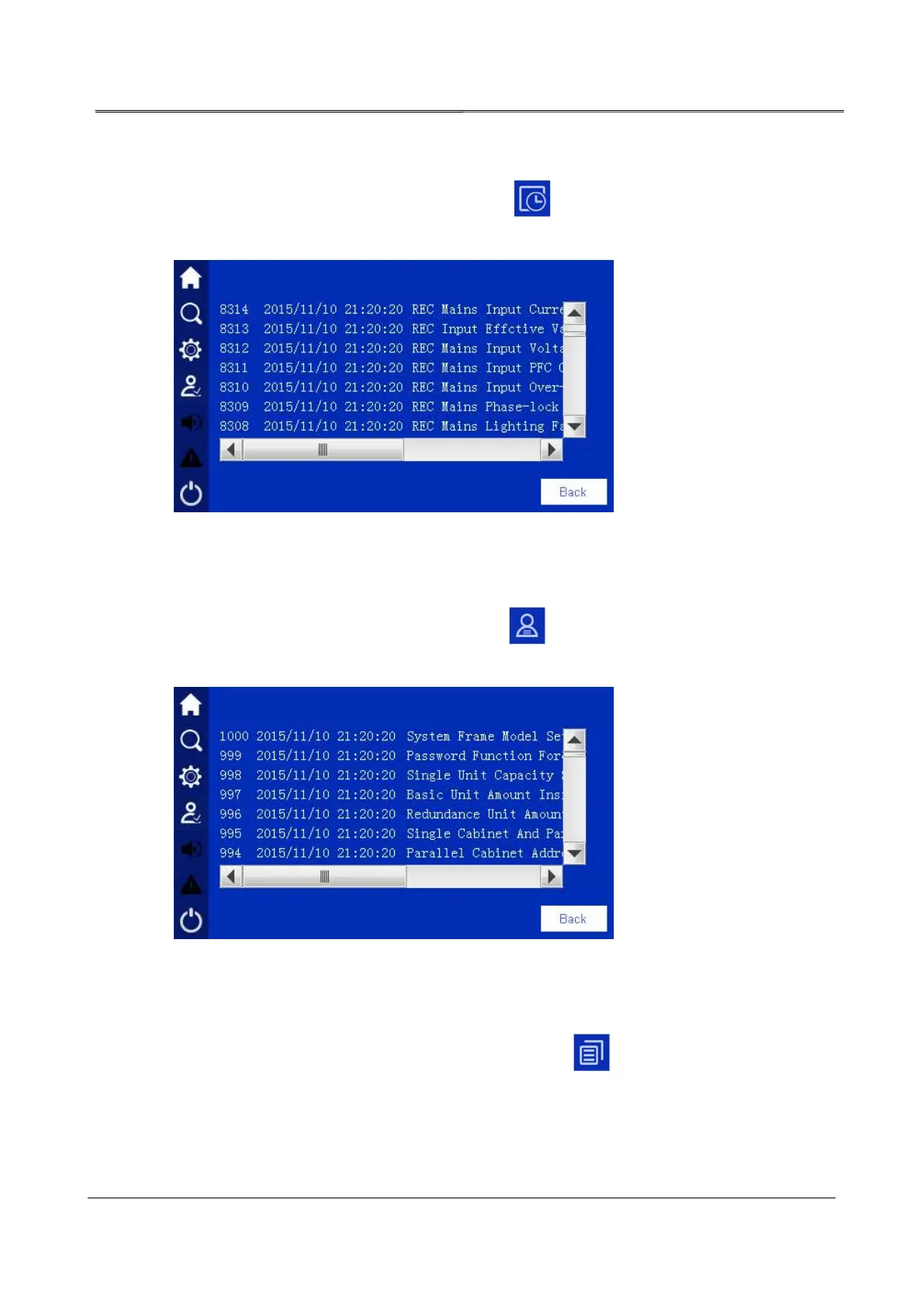
In information query page, click event log icon , it will enter event log page, as shown
in Figure4-23. This page records the history fault and alarm information of system and unit.
Figure4-23 History fault
4.5.2 User Log
In information query page, click user log icon , it will enter user log page, as shown in
Figure4-24. This page shows the user parameter setting record.
Figure4-24 User log
4.5.3 Device Information
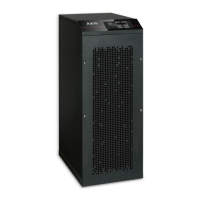
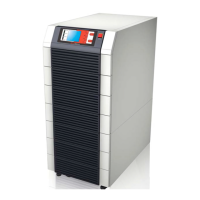
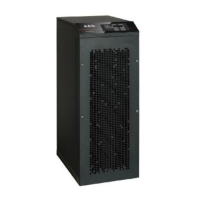
In information query page, click device information icon , it will enter product information
page. This page shows the S/N, product name, model and status, as shown in Figure4-25,
Figure4-26, Figure4-27, Figure4-28.








 To Next Page