IST Series UPS (10kVA-200kVA)
User Manual 4 Touch Screen
69
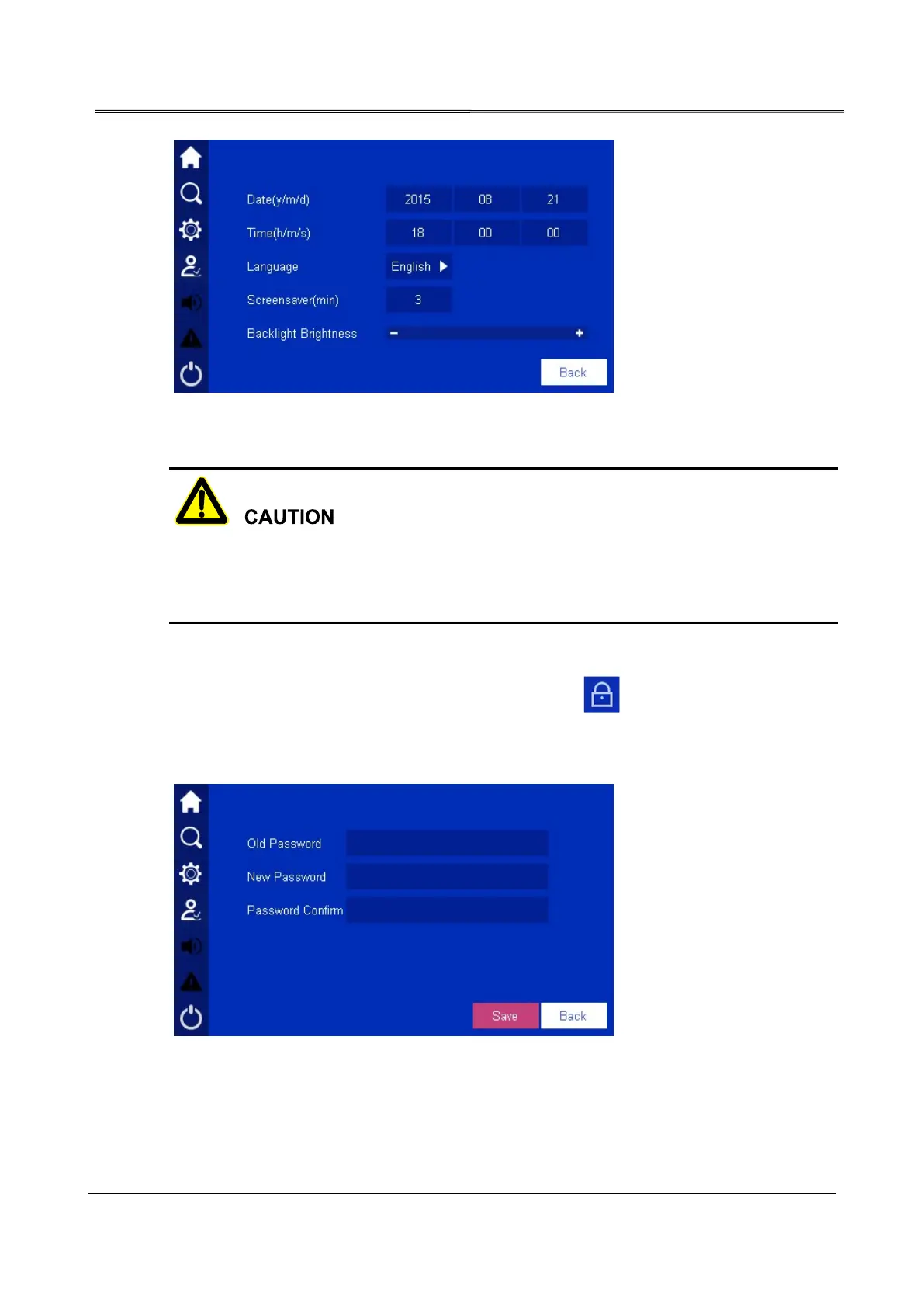
Figure4-49 HMI setting
When setting system time, ensure that the setting value is the same as the real time, which
is to keep the veracity of system event log and master the system status of some time and
maintain conveniently.
4.6.6 Password Setting
In setting management page, click password setting icon , it will enter password setting
page, as shown in Figure4-50. The password is the Arabic numerals from 1 place to 6 places.
After modifying, click Confirm button to perform the modification.
Figure4-50 Password setting








 To Next Page