4 Touch Screen
IST Series UPS (10kVA-200kVA)
User Manual
60
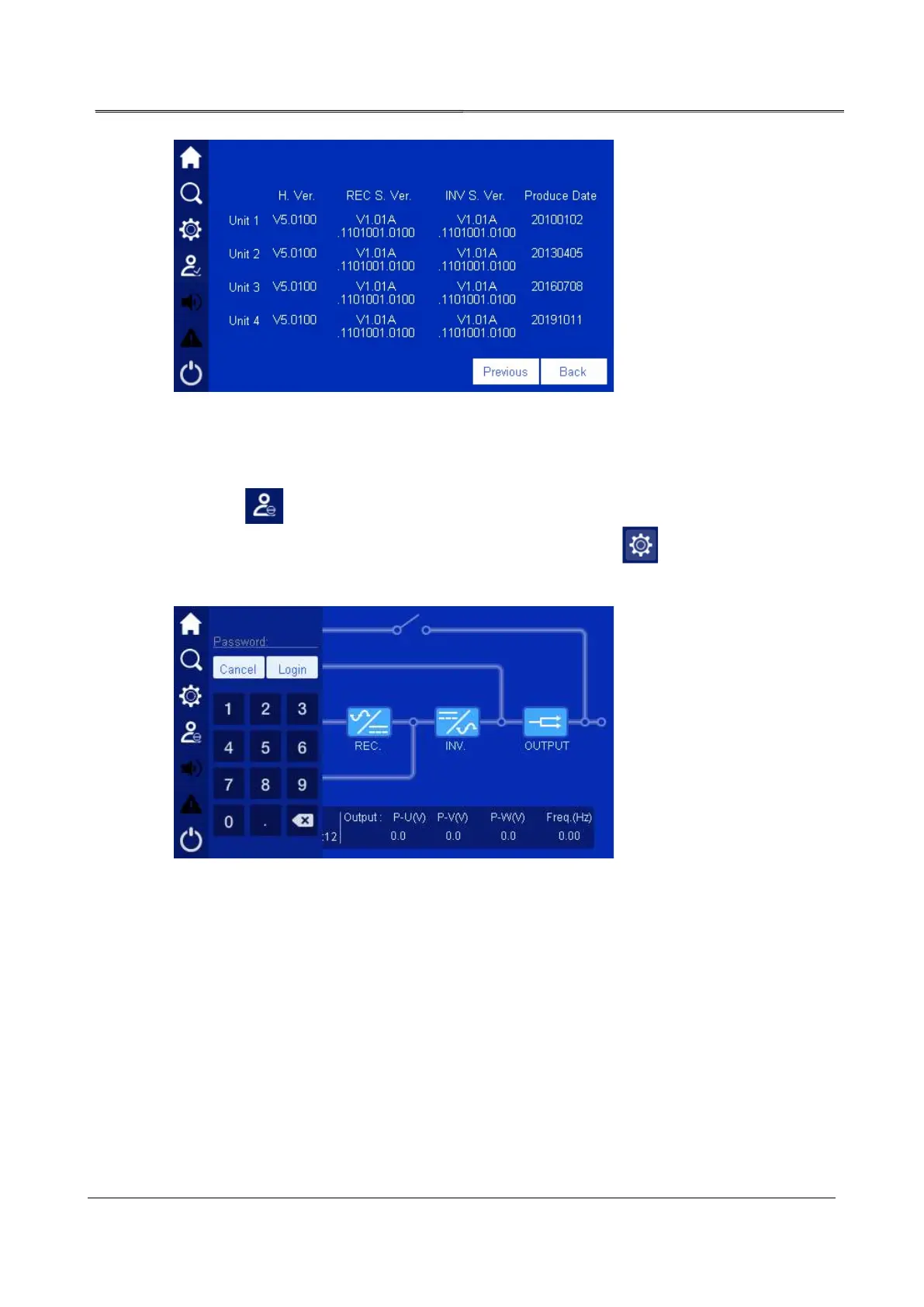
Figure4-28 Product information 4
4.6 Setting Management
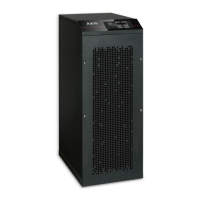
Click the icon in main page and enter right password (as shown in Figure4-29), it will
enter the main page, as shown in Figure4-30. After login, click icon, it will enter system
setting management page, as shown in Figure4-31.
Figure4-29 Login page








 To Next Page