16
Digital Transformer Ratiometer DTR
®
Model 8510
4.3.1 Set Clock
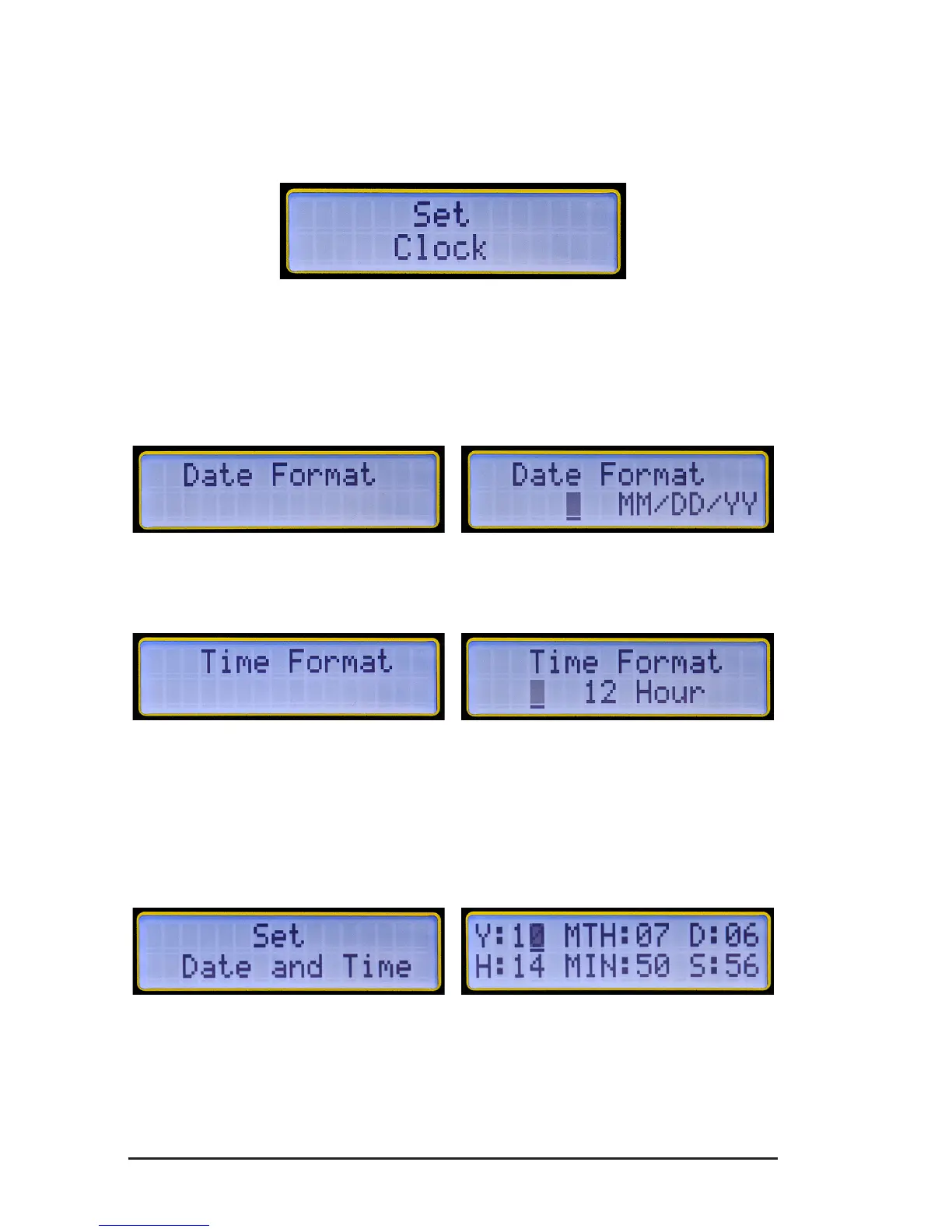
1. WithinthetoplevelofCongure Instrument,pressthe▼or▲key
untilSet Clock appearsonthedisplay,thenpressENTER.
Figure 4-5
TheSet Clock congurationallowsyoutoformatthefollowing:
Date Format:Allowstheformattingofthedate.
(MM/DD/YY,DD/MM/YY,YY/MM/DD).
Figure 4-6
Time Format:Allowstheformattingofthetime(12or24hours).
Figure 4-7
Set Date and Time:Allowsthesettingofthedateandtimeintheselected
format.
Note: Timemustbesetinthe24-hourformat.ItwillbedisplayedwithAM/
PMifthe12-hourformatischosen.
Figure 4-8
Example: Tosetthetimeto2:50PM,setthehourto14andtheminutes
to 50.
www.ShopAEMC.com
Shop for AEMC products online at:
1.877.766.5412



 To Next Page