26
Digital Transformer Ratiometer DTR
®
Model 8510
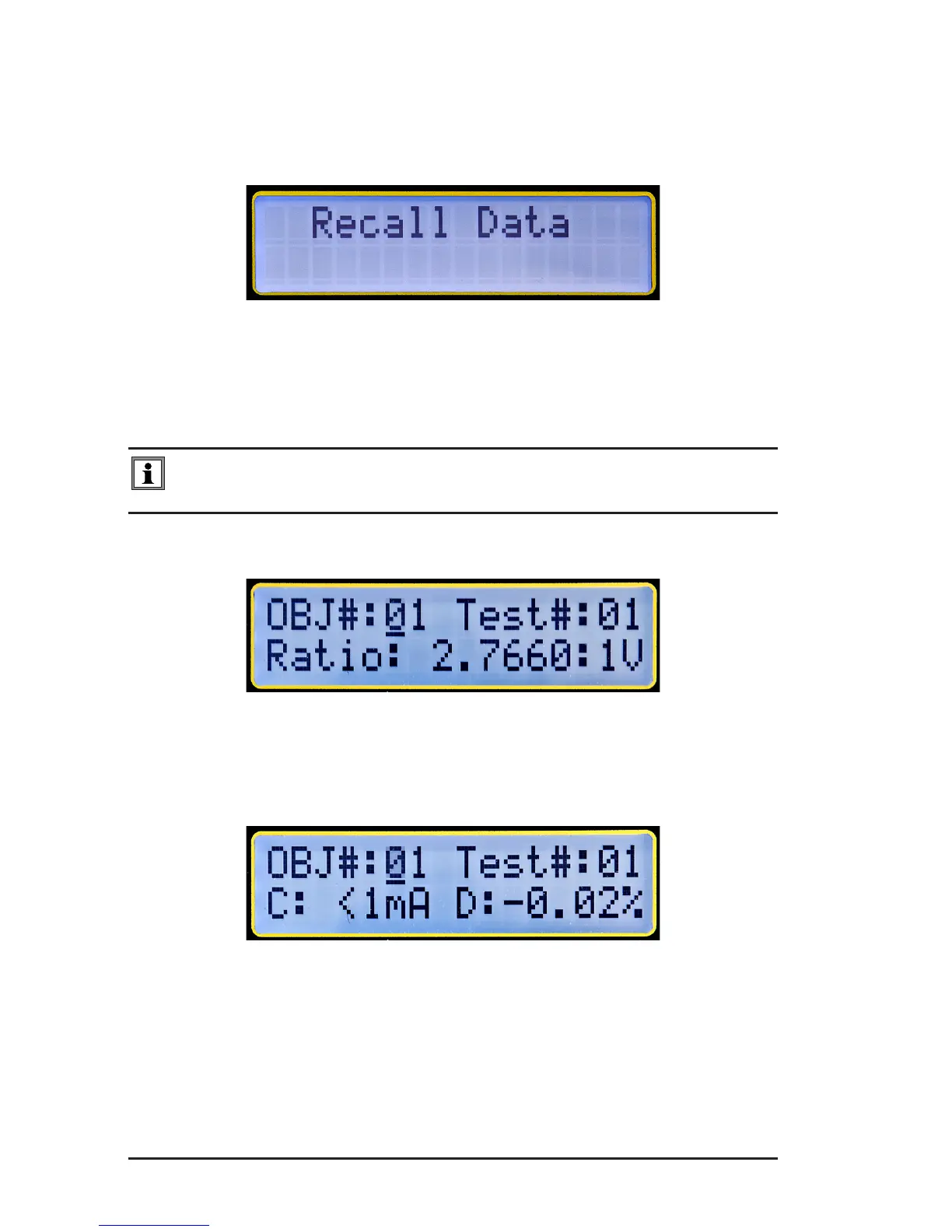
4.4 Recall Data
1. FromtheMainScreen,pressthe▼or▲keyuntilRecall Dataappears
onthedisplay,thenpressENTER.
Figure 4-20
The Measurement Record in OBJECT #01 and TEST #01 will be dis-
played,aswellastheRatio.
NOTE: The V after the Ratio indicates the VT/PT test type. C would be
displayed if the Ratio was from a CT test.
Figure 4-21
2. Pressthe TESTbuttontomovetosecondscreen,whichwilldisplay
CurrentandDeviation%.
Figure 4-22
3. PresstheTESTbuttontomovetothethirdscreentodisplaytheDate
and Time.
www.ShopAEMC.com
Shop for AEMC products online at:
1.877.766.5412



 To Next Page