48
Digital Transformer Ratiometer DTR
®
Model 8510
Default Storage Mode: AllowsselectionofstorageofeachMeasurement
RecordinManualorAutomaticmode.
Default Nameplate Values: Allowstheusertostorethemostfrequently
usednameplatevalues(orratiovalues).
Present Nameplate Values: Allowstheselectionofthepresentnameplate
values.TheDeviation(%)willbecalculatedbasedonthePresent
Nameplatevaluesforeachmeasurement.
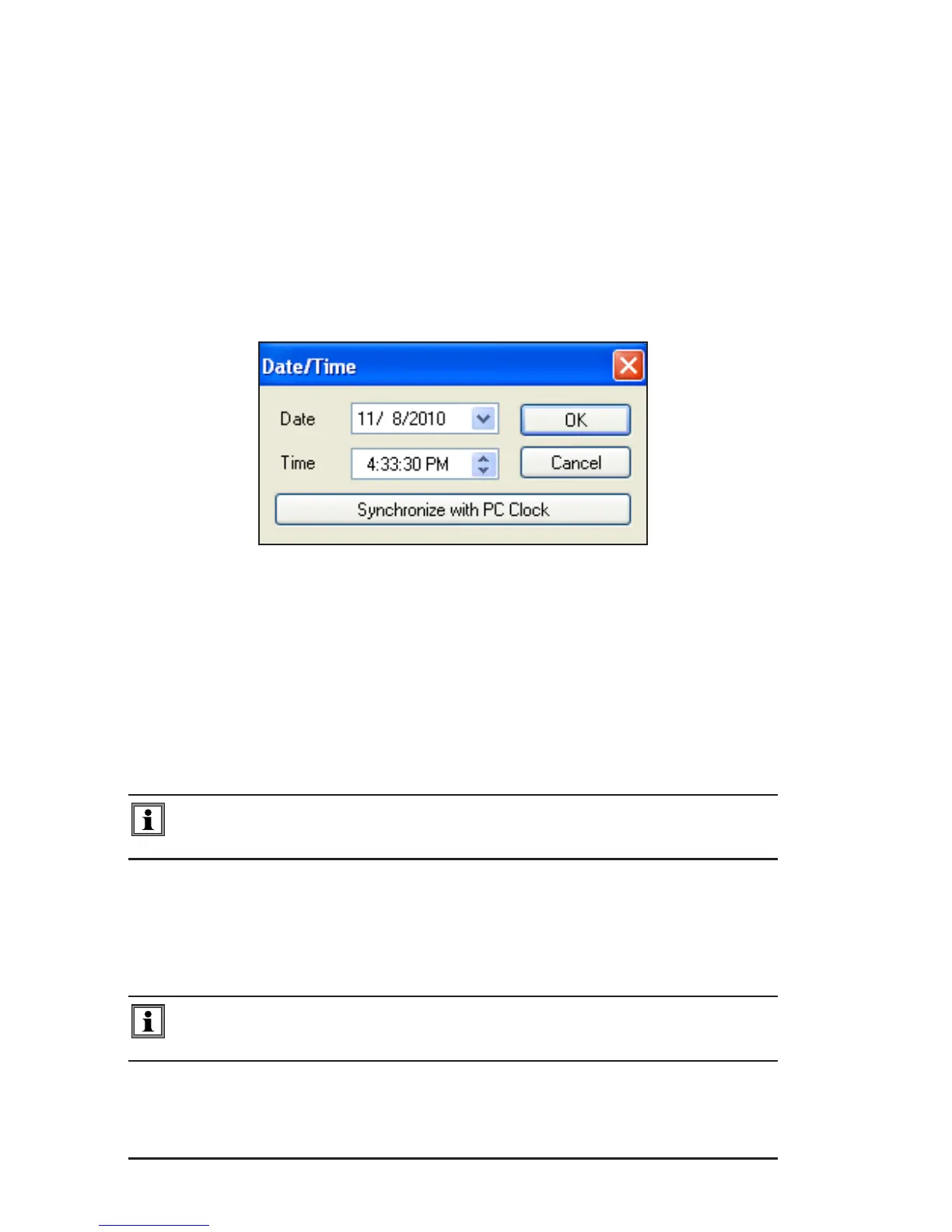
Set Clock: Allowssettingtheclockontheinstrumentmanuallyor
synchronizedwiththeclockinthecomputer.
Figure 7-9
Erase Memory: Allowsthememorytobecompletelyerased.
Language: Allows the selection of English, French, German, Italian or
Portuguese.
Write To Instrument: Allowsthepresentcongurationvaluestobewrit-
tenintheinstrument.
NOTE: None of the changes made on the configuration screen take
effect until Write to Instrument command is executed.
Read from Instrument: Allowsthepresentcongurationtoberead.
Cancel: Cancelstheprocesstomodifythecongurationandclosesthe
dialogbox.
NOTE: Parameters changed after Write to Instrument was executed will
be lost.
www.ShopAEMC.com
Shop for AEMC products online at:
1.877.766.5412



 To Next Page