40
INSTALLER - Displays - Enables debug menu
A
C
Index Meaning
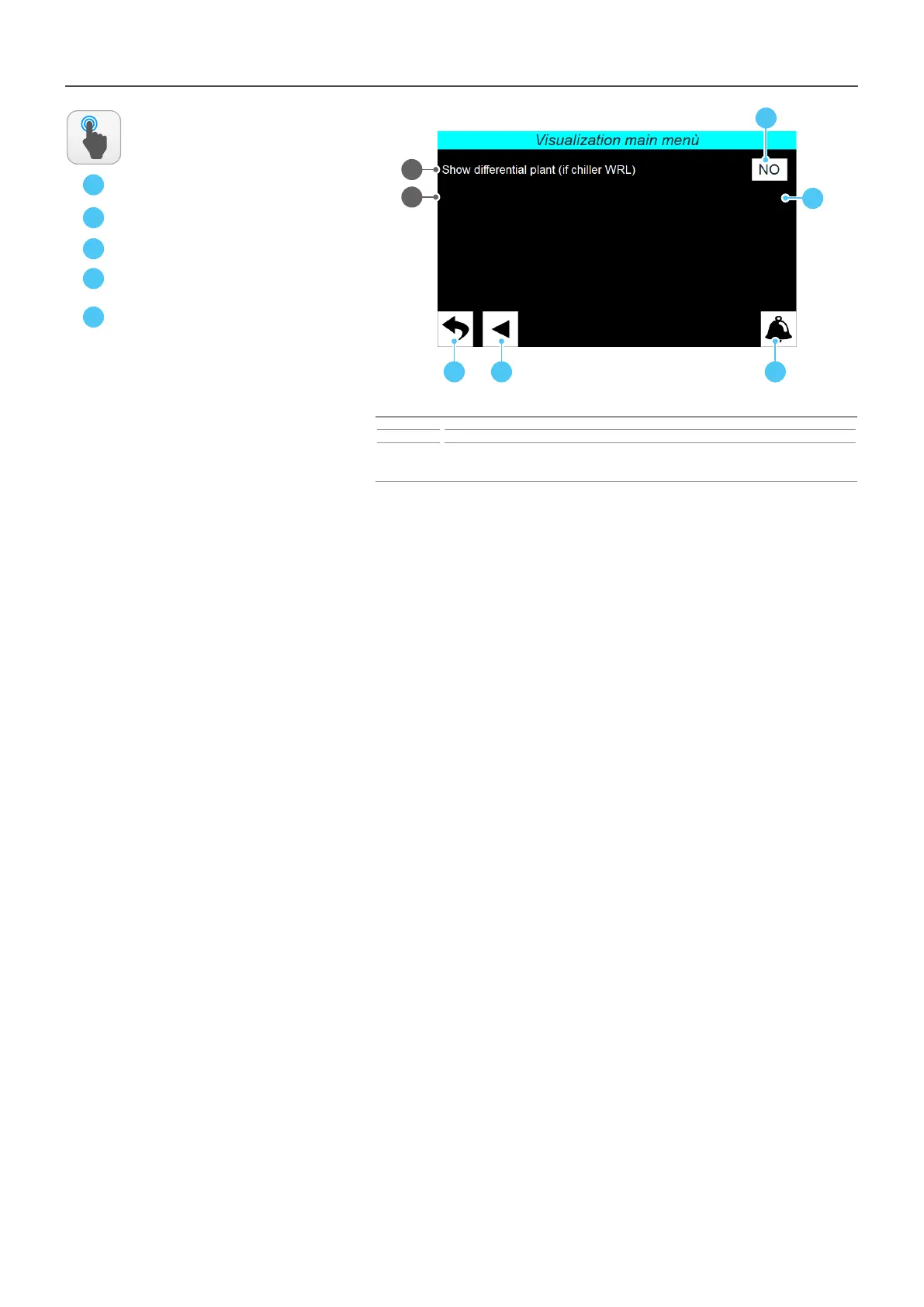
1 Indicates whether to enable the appearance (in the menu selecting page) of the debug menu
2
In the case of WRL chillers, the system dierential in the Multichiller Evo page is hidden. This is
because the WRL unit does not have a modbus system dierential. If the WRL software is updated,
then it can be displayed.
ACTIONS
AVAILABLE:
B
D
1
D
A CB
ATTENTION: the debug menu is a tool normally used by the technical aer-sales service/
assistance to detect any abnormal behaviours;
E
2
E



 To Next Page