Afinia H800+ 3D Printer User’s Manual
12
Getting Ready to Print
Starting the Afinia 3D Program
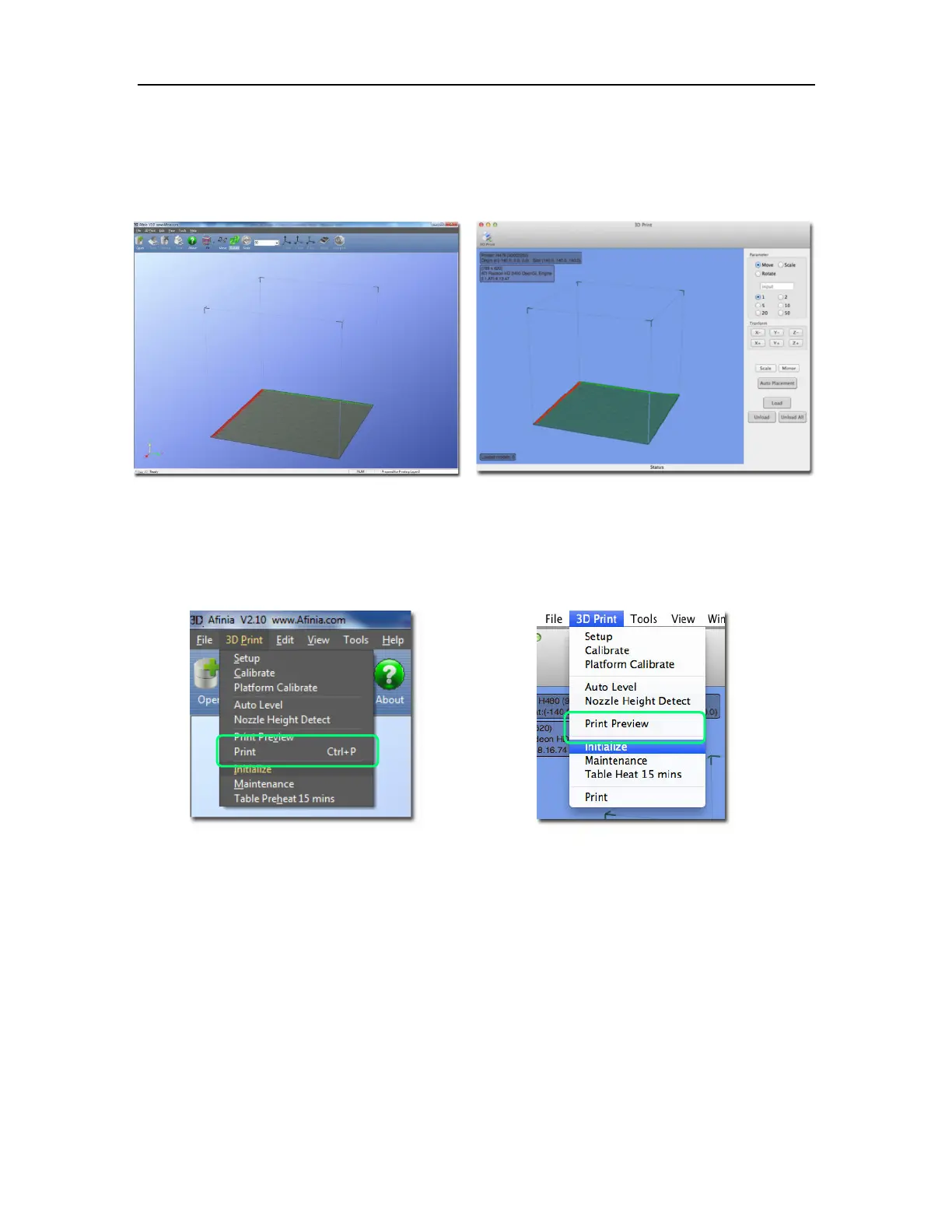
Open the Afinia 3D software on the desktop (Windows) or in the Applications folder (Mac).
Windows version Mac version
Initializing the Printer
Long Press the Power Button or click Initialize in the 3D Print menu. The printer will beep, the
platform and print head will move to the printer’s home positions, and beep again when it is ready.
Windows version Mac version
TIP: If your printer is not responding properly, always first try to re-initialize the printer.



 To Next Page