Afinia H800+ 3D Printer User’s Manual
33
Removing Support Material
You will most likely need to remove any supports printed along with your model.
The support material is the same material as the model material, but printed at a lower density,
making it easier to remove and identify.
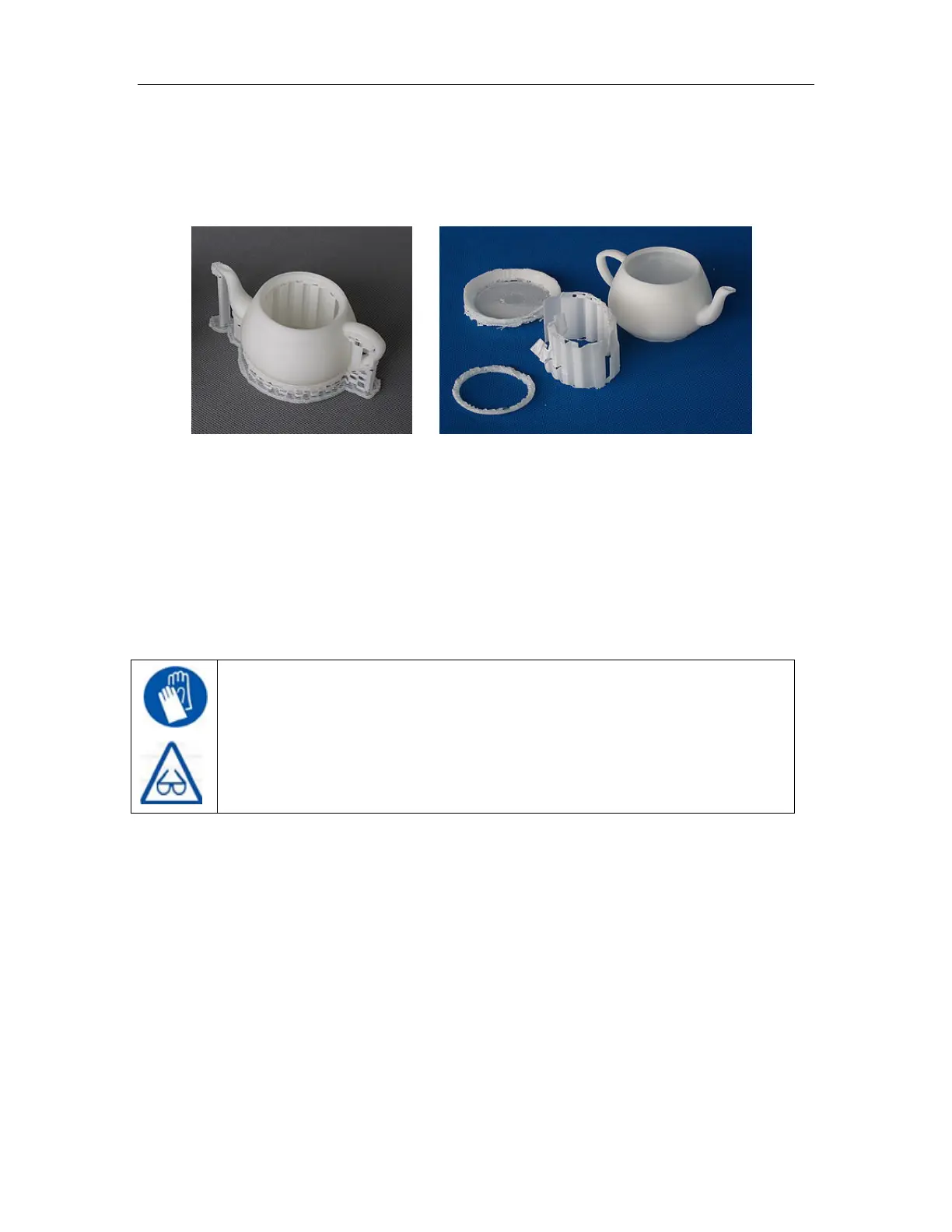
The left picture above shows the teapot with its support material still attached, while the right
picture shows the teapot with support material removed.
The support material can be removed using a number of tools, and some can easily be removed
by hand. Wood carving chisels, long nose pliers, or wire cutters work well to remove support
material.
GLOVES/SAFETY GLASSES: The support material and the tools are sharp.
Wear gloves and safety glasses when removing the part from the printer.
ALWAYS WEAR GLOVES AND SAFETY GLASSES WHEN REMOVING THE
SUPPORT MATERIAL!



 To Next Page