Afinia H800+ 3D Printer User’s Manual
8
Unpacking the Afinia H800+ 3D Printer
The Afinia H800+ 3D Printer weighs over 40 pounds and should be
team-lifted!
Remove the power cord and 4 perf boards from the top foam piece.
Remove top foam from the box. Lift the foam ring from around the printer.
With two people, carefully lift the Printer from the box.
Lift the foam sheet below the printer and remove the Accessory Pack,
Power Supply, Putty Knife, and Snipping Pliers.
Lift the top cover and carefully lift out the foam above the platform.
Open the front door and carefully remove the two pieces of foam from
under the platform. Tip each foam piece back until it is lying flat, then
turn the foam counter-clockwise until the left end of the foam is through
the door.
Use the snipping pliers to carefully cut the 6 labeled
retaining strap loops from around the Print Head rails
near the top of the printer.
Cut only the straps!
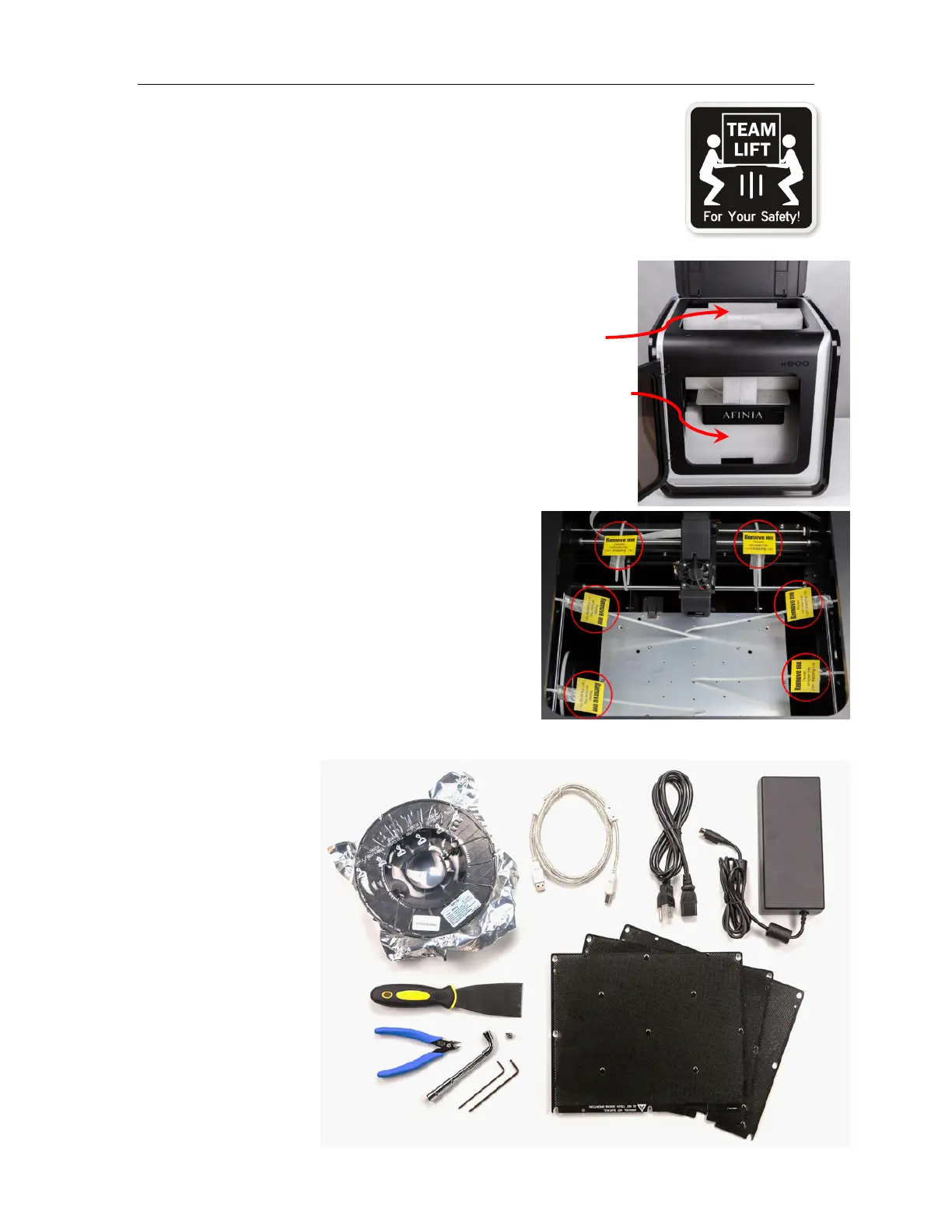
Next, check the Accessories:
• Reel of Filament (1, Natural/White)
• Power Supply
• Power Cable
• USB Cable
• 2 Flex Boards
• 2 Perf Boards
• Extra Nozzle
• Nozzle Wrench
• Hex Wrenches
• Putty Knife
• Snipping Pliers



 To Next Page