Afinia H800+ 3D Printer User’s Manual
18
5. Repeat until the print surface is
0.2mm from the nozzle, about the
thickness of a piece of paper
folded in half.
6. Check the nozzle height at all four
corners of the platform. If any of
the corners is closer to the nozzle
than the center, use that point to
set the height.
7. With the print surface 0.2mm from
the nozzle, click the Set Nozzle
Height button to save the current nozzle height.
If you haven’t manually re-leveled the platform since the last time the Auto Level
was run, you can stop here. If you have manually leveled the platform, follow the
next 4 steps.
8. Take note of the nozzle height - you may need to reset the height when you run the Auto
Level feature again.
TIP: If the print surface contacts the nozzle while making height adjustments, re-initialize the
printer and before undertaking any other operations.
Other Maintenance Options
Extrude heats the nozzle and loads material into the nozzle. When the temperature is high
enough the material is squeezed out of the nozzle. The printer beeps before material starts
extruding and it beeps again when finished.
Withdraw clears the filament from the nozzle when you change the filament or if the nozzle needs
to be cleaned. When the nozzle is up to temperature and the printer beeps, gently pull out the
material.
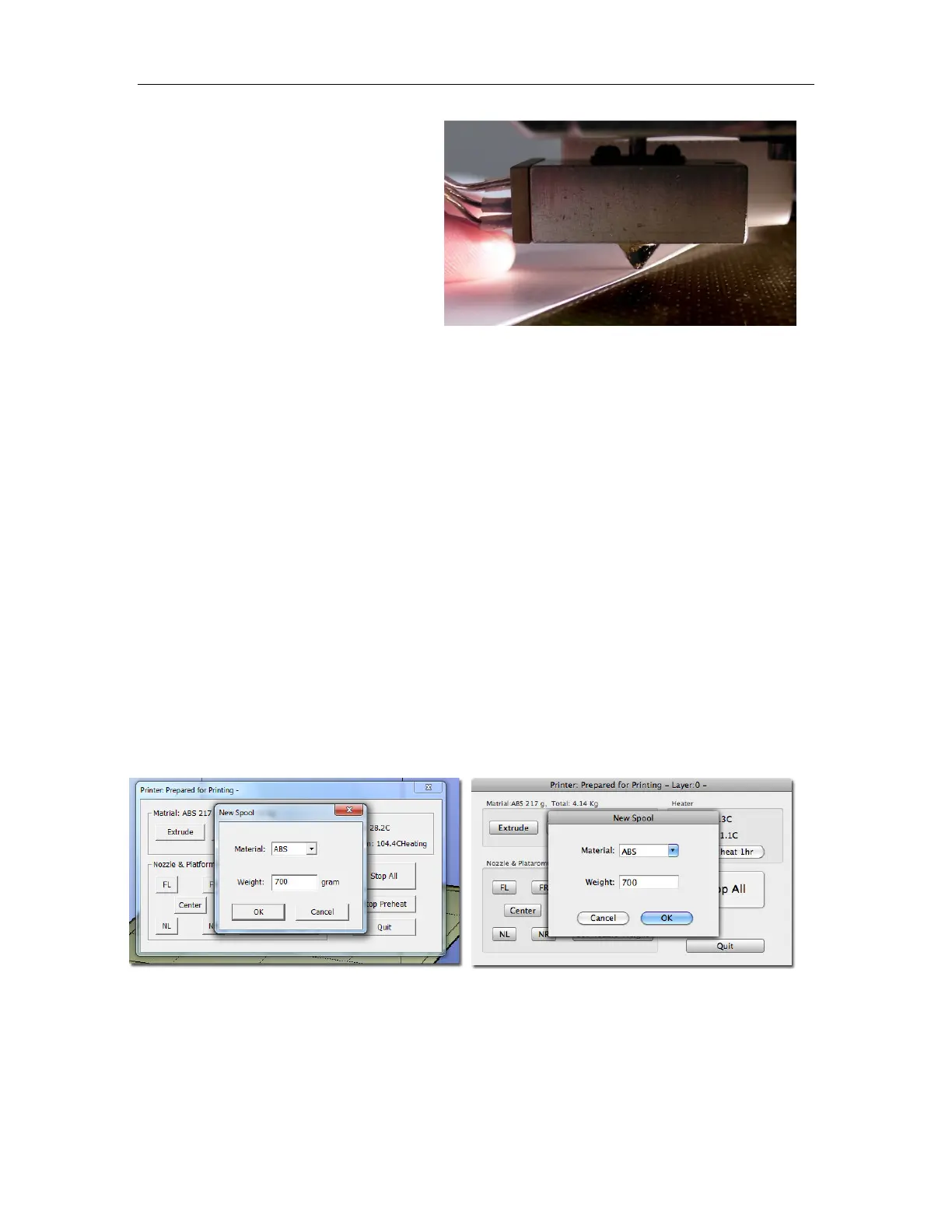
New Spool is used by the software to keep track of how much material has been used on the
spool, and will warn you if you don’t have enough material left to print your model.
Click the button and enter the grams of material on the spool. If it is a new spool, enter the weight
of the filament in grams. Also select the filament type to set the nozzle and platform temperatures.
TIP: An empty Afinia Premium spool weighs about 280 grams. If you are installing a partially used
Afinia Premium filament spool, weigh it, and subtract 280 grams from the weight. Enter that value
into the material Weight text box.
Mac version
Windows version



 To Next Page