Afinia H800+ 3D Printer User’s Manual
15
Platform Calibration
Along with manual leveling the platform, the Afinia software can run a Platform Calibration to
adjust the printing of the raft, laying down a level foundation for your model to be printed on.
This process is not intended to replace physically leveling the platform, but to work with the
leveling.
Note: The Platform Calibration will only affect printing when using a raft. If you are printing without
a raft, the Calibration is not used.
You can calibrate the platform automatically or manually.
Automatic Platform Calibration
The automatic process will check the height of nine calibration points on the platform.
Select Auto Level from the 3D Print menu.
The differences in height between the nine calibration points are used to build up the raft to give
your model a level foundation on which to print.
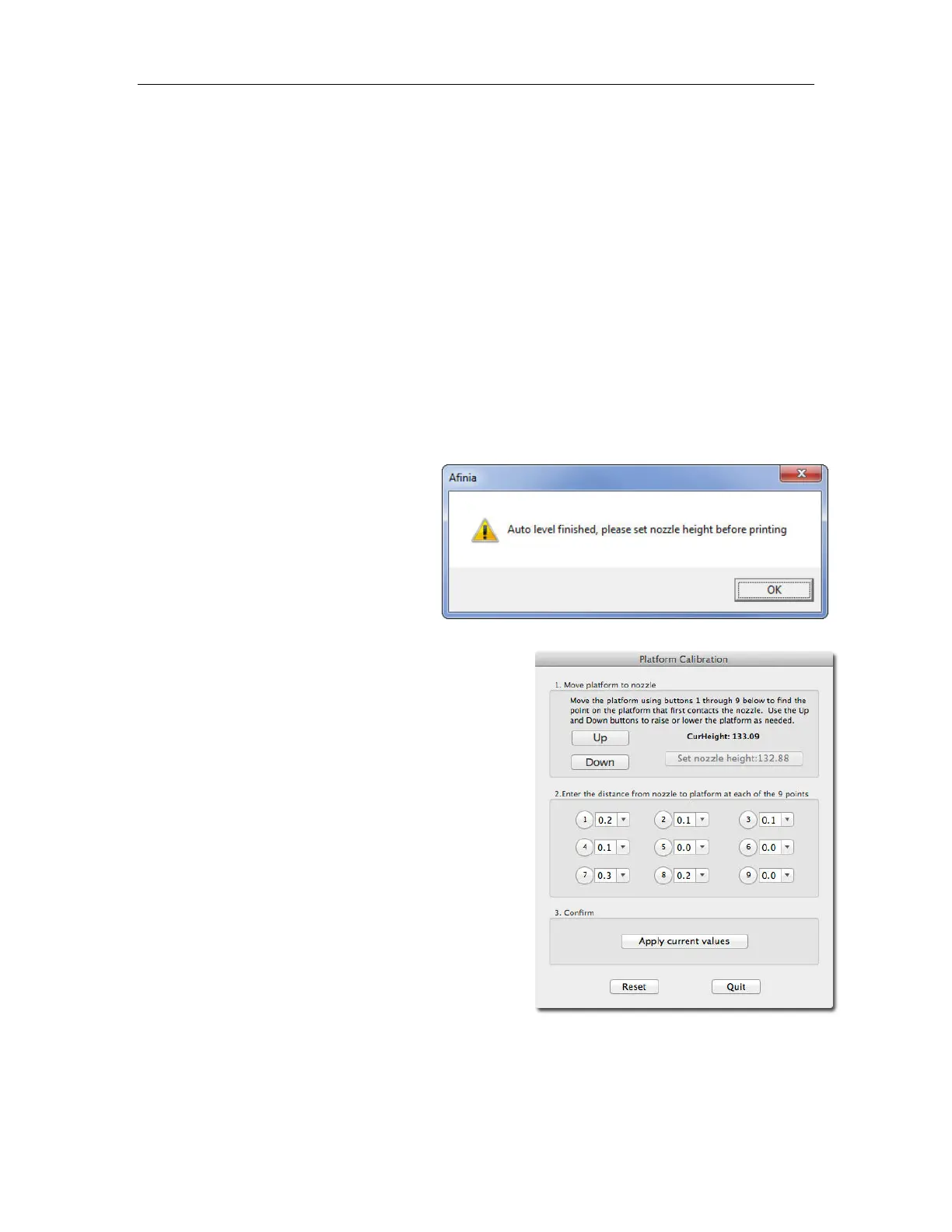
After the Calibration is complete, the
Nozzle Height will be automatically set.
To check the calibration values, open the Platform
Calibrate option in the 3D Print menu. Calibration
values are in the middle section of that window.
NOTE: If the Platform Calibrate window doesn’t open
(Mac) or any of the values are left empty (PC),
the platform is out-of-level by more than 0.9mm
at one or more points. You will need to
manually level the platform before running the
Platform Calibration again (see page 14).



 To Next Page