Afinia H800+ 3D Printer User’s Manual
21
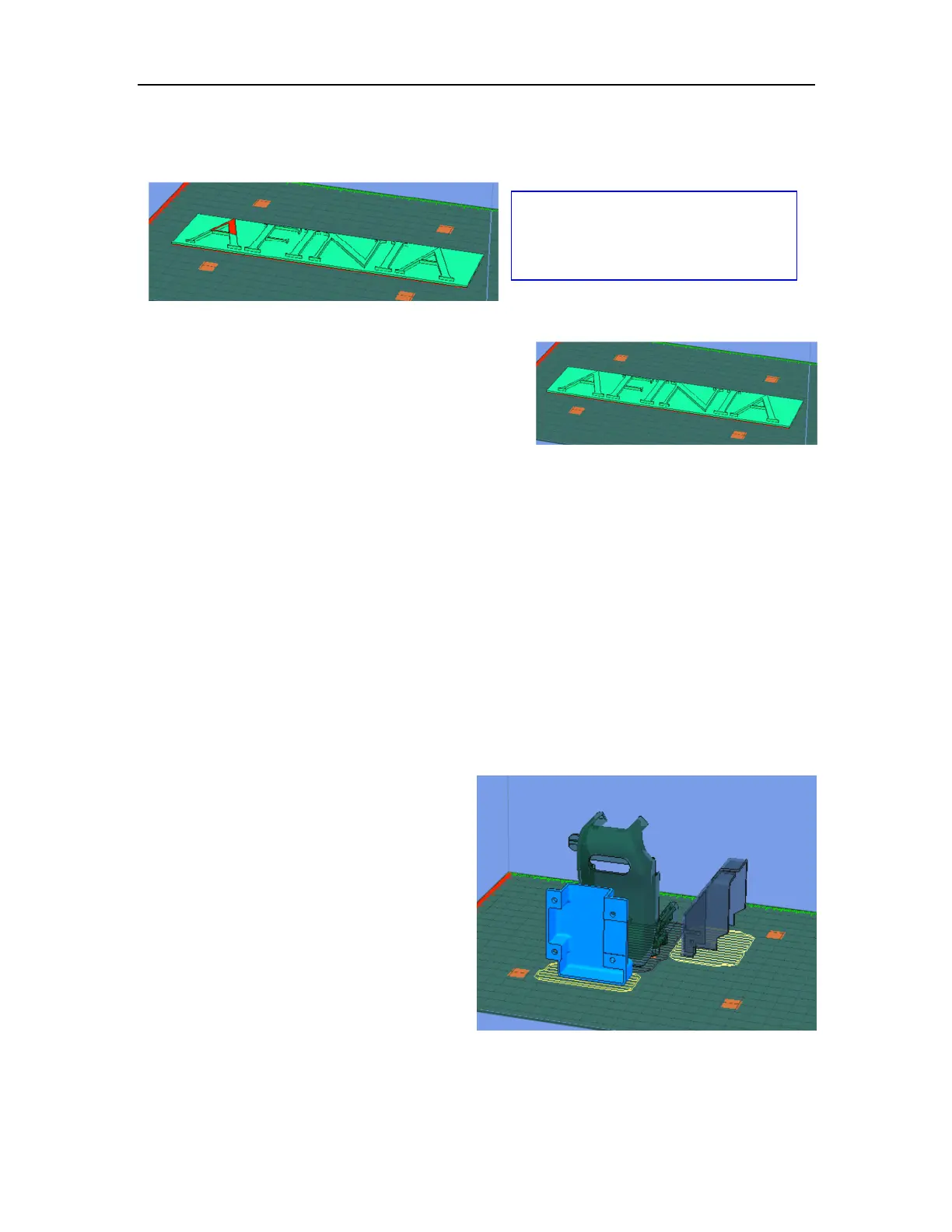
Note on STL files: For a model to print correctly, all the faces of the models need to have their
normals facing outwards. The Afinia H800+ 3D Printer software uses model color to show
problems - if any part of the model is red the normals are facing the wrong direction in that place.
Fixing STL Files
The Afinia 3D Printer software includes a Fix option that
will try to fix any bad surfaces in your model. Under the
Edit menu in Windows you will see Fix, and under the
Tools menu in Mac will be the Autofix option. Select
the model, and click Fix or Autofix to attempt a repair
of the bad surfaces.
Saving the model
Choose the model and select Save from the File menu. The file is saved in UP3 format with the file
size being 13%-18% of the original STL file size. This is a convenient format for users to archive or
transfer files.
Saving the model as a project
Choose the model and select Save As Project from the File menu. All of the settings within the
Setup or Preferences will be saved, as well as the Quality and No Raft settings.
The settings that are not saved within a project include the Nozzle Height, UnSolid Model, Heat
platform after finish, and Pause at settings.
The project file is saved with an extension of UPP. This file can be copied to other locations or
computers without needing to include the original STL file or files.
Merging Models
If you have loaded more than one part onto the
platform, combine them into a “single” print by
using Merge from the Edit menu in Windows
or the Tools menu in Mac.
Open all the models you want to merge,
arrange them the way you want on the platform,
and click the Merge option. If you save the file,
all the components will be saved as a single UP3
file.
Multiple parts,
Mac Software
See page 40 for more information on
Surface Normals and Model Manifold
requirements!



 To Next Page