Page 44
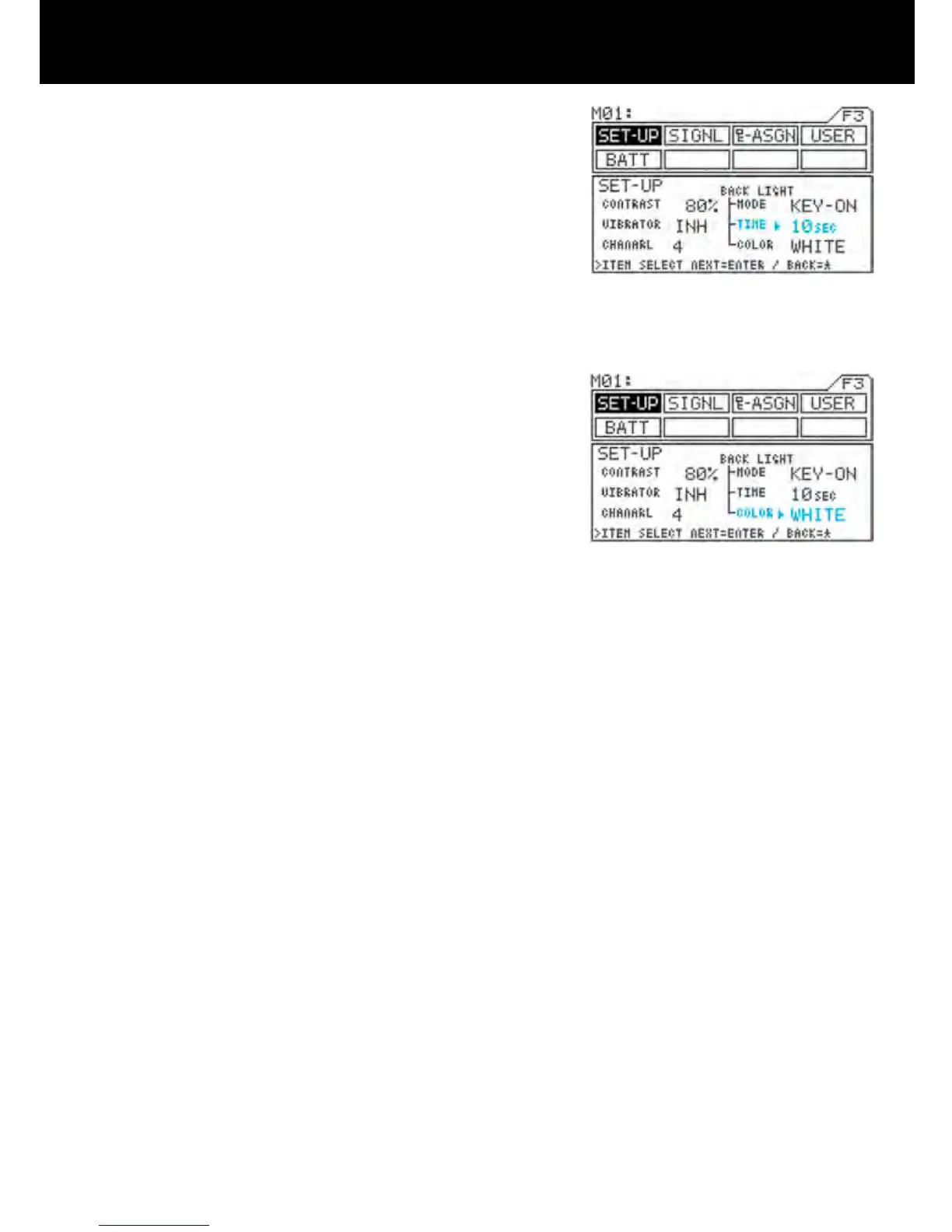
<TIME>
Move u to the right of TIME with the ENTER key or
H key, and then set the time by pressing the Inc.+
or Dec.- key.
* This will not appear unless MODE is set to KEY-
ON.
* Setting range 1SEC to 30SEC
* Standard setting 10SEC
<COLOR>
Move u to the right of COLOR with the ENTER
key or H key, and then select the backlight color by
pressing the Inc.+ or Dec.- key.
* WHITE White backlight
* BLUE Blue backlight



 To Next Page