134
SECTION 9: SYSTEM MAINTENANCE
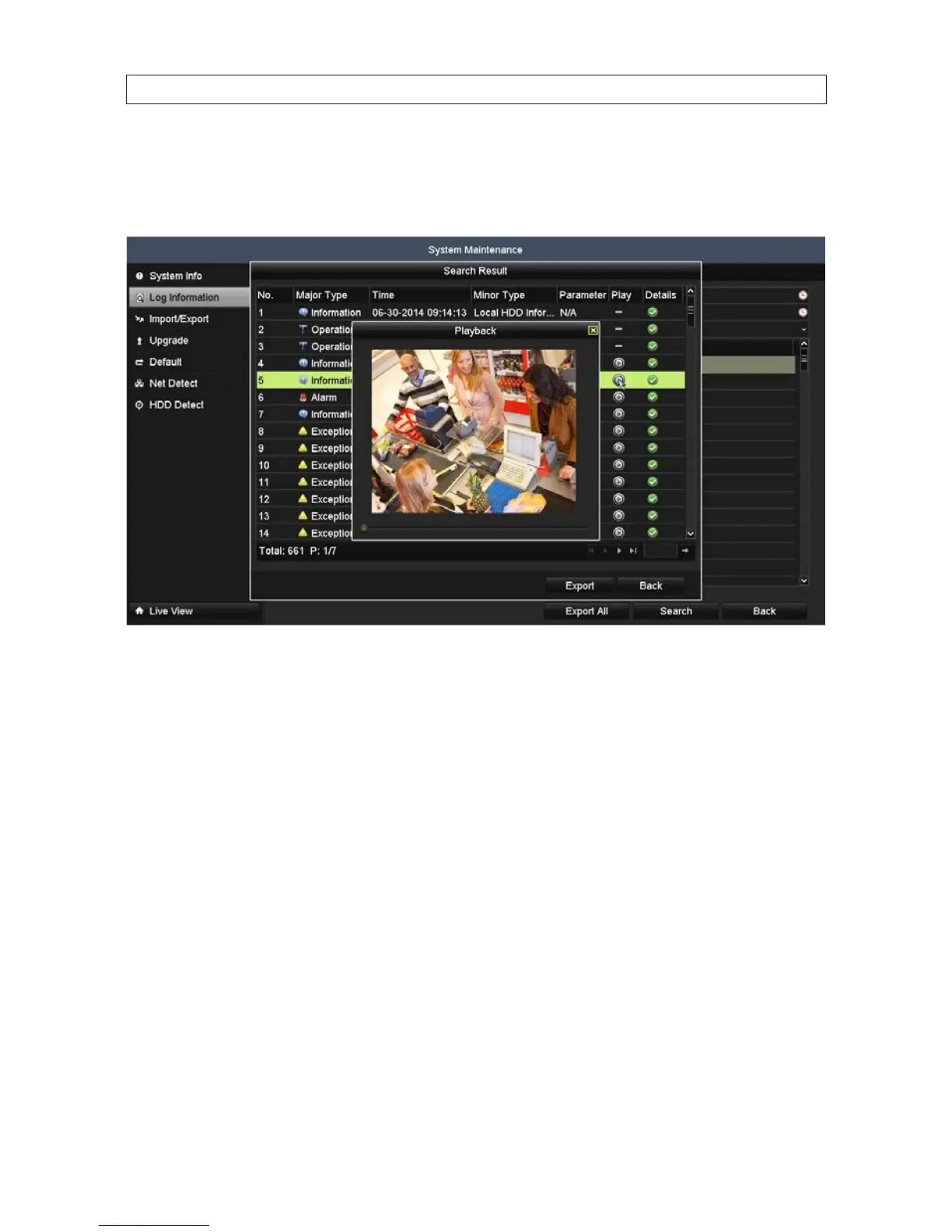
3. You can Export the result of the log search (click Export), choose a log entry with record le and click the playback button
to play the le, or click the icon in the Details column to see more information about the entry. Click the icon in the Details
column or Play column to see more information about the log entry.
4. Click OK to return to the Search Result window.
Log Export
Log information can be exported to a backup device such as a USB storage device. The exported log le is in .txt format and readable
with an ASCII text viewer such as Microsoft® Windows® Notepad or Wordpad. The lename, prexed with the date and timestamp,
in the format YYYYMMDDHHMMSSlogBack.txt. To export the log le:
1. In the Search Result window, click the Export button.










 To Next Page