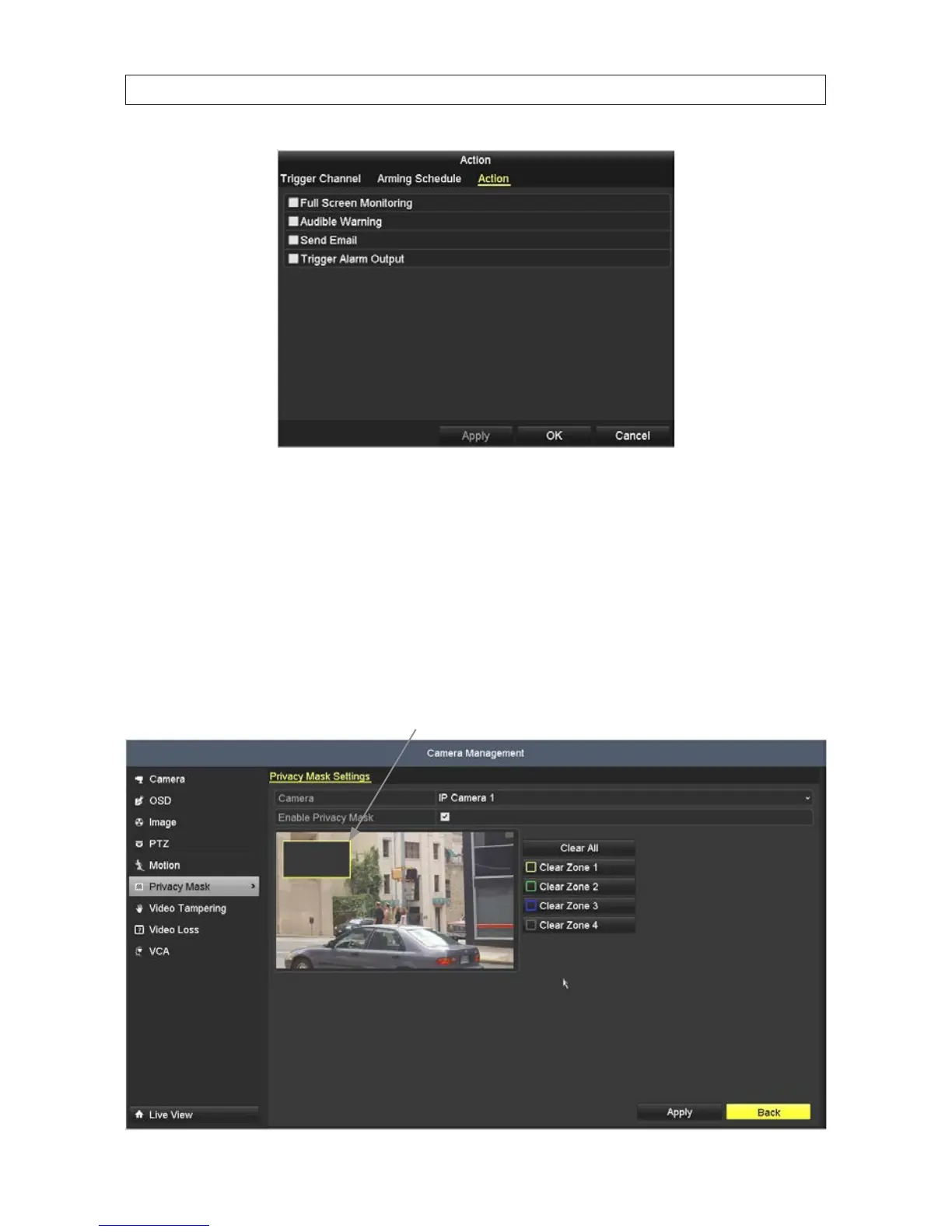
f. Select the actions you want to occur, then click Apply to save your settings, and OK to return to the Motion menu. The
Notify Surveillance Center and Send Email options require additional network settings.
5. In the Motion menu, click Apply to save your settings for this camera.
6. Repeat sub-steps 2 through 5 above for each camera managed by the NVR, if necessary.
2.7.5 CameraPrivacyMasksetup
1. Click Privacy Mask in the left frame to open the Privacy Mask submenu.
Privacy mask - Zone 1
SECTION 2: INSTALLING THE SYSTEM










 To Next Page