84
c. Click Apply and then in the pop-up message box, click Yes to save your settings.
d. Click OK to go to the menu window.
7. Repeat the steps above to congure more HDD groups.
6.1.7 FilesProtection
You can lock the recorded les or set the HDD property to Read-only to protect the record les from being overwritten.
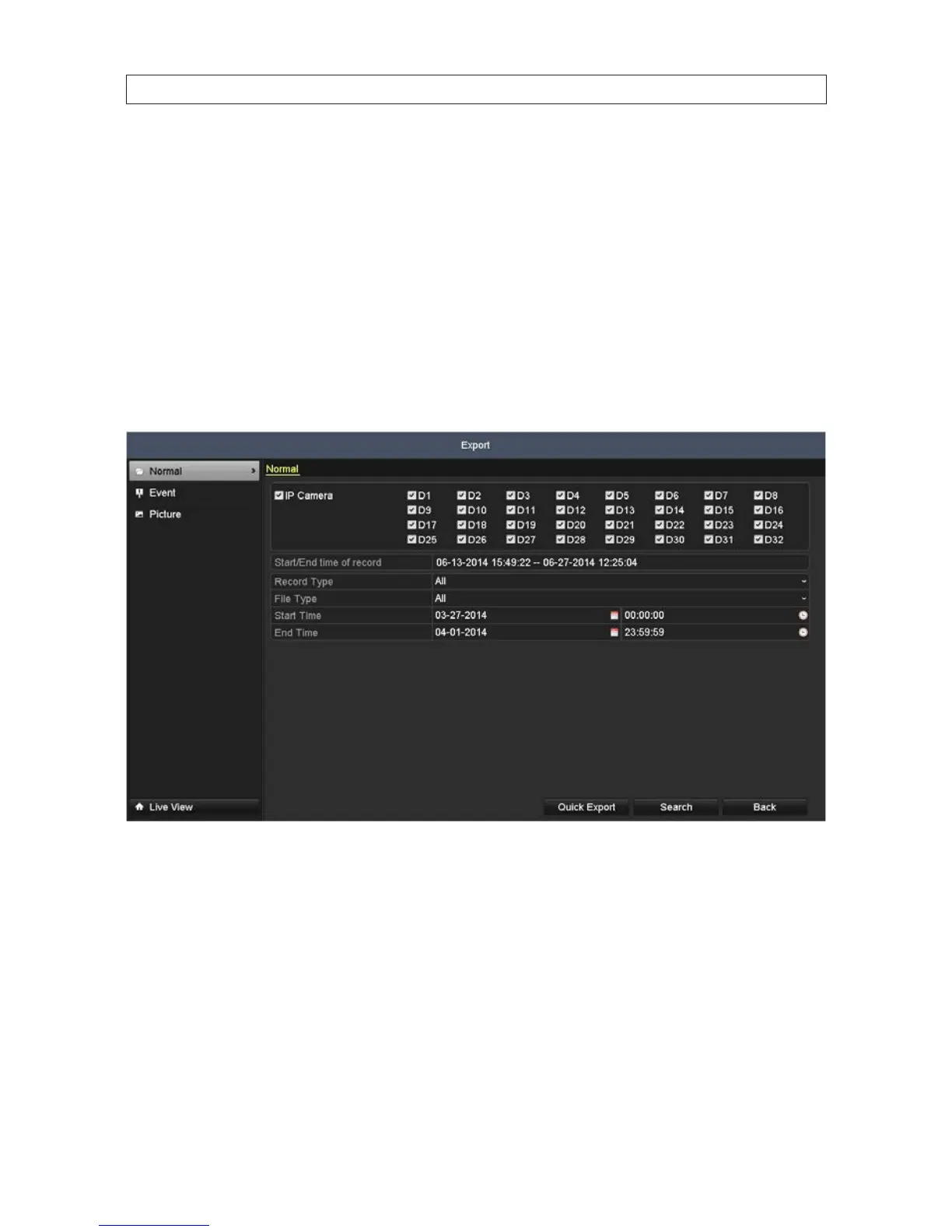
1. Open the Export menu. Go to Menu | Export
2. Check the box(es) for the channel(s) you want to investigate.
3. Congure the record type, File Type (locked or unlocked), and Start Time and End Time.
4. Click Search to show the results.
SECTION 6: RECORD, PLAYBACK AND VIDEO BACKUP









 To Next Page