32
5. Repeat sub-steps 2 through 4 above for each camera managed by the NVR, if necessary.
2.7.8 CameraVCAsetup
VCA (Video Content Analysis) is not supported at this time.
2.8 Adding cameras manually
IP cameras can connect to the NVR either through the 16-port integrated Ethernet switch on the back panel of the NVR, or through
the LAN the NVR is connected to. IP cameras connected to the IP ports on the back panel are automatically added to the system by
the NVR. Cameras that exist on the LAN must be added manually through the NVR startup Wizard or Camera menus.
The number of cameras connected to the ports on the back of the NVR plus the number of cameras on the LAN added to the NVR
cannot exceed the camera limit of the NVR. For example, the ALI-NVR5032P NVR can monitor up to 32 cameras. The ALI-NVR5016P
can monitor up to 16 cameras.
Use the following procedural guidelines installed on the LAN.
NOTE
For a lists IP cameras compatible with your NVR, refer to: “APPENDIX D NVR Compatible Cameras” on page 129.
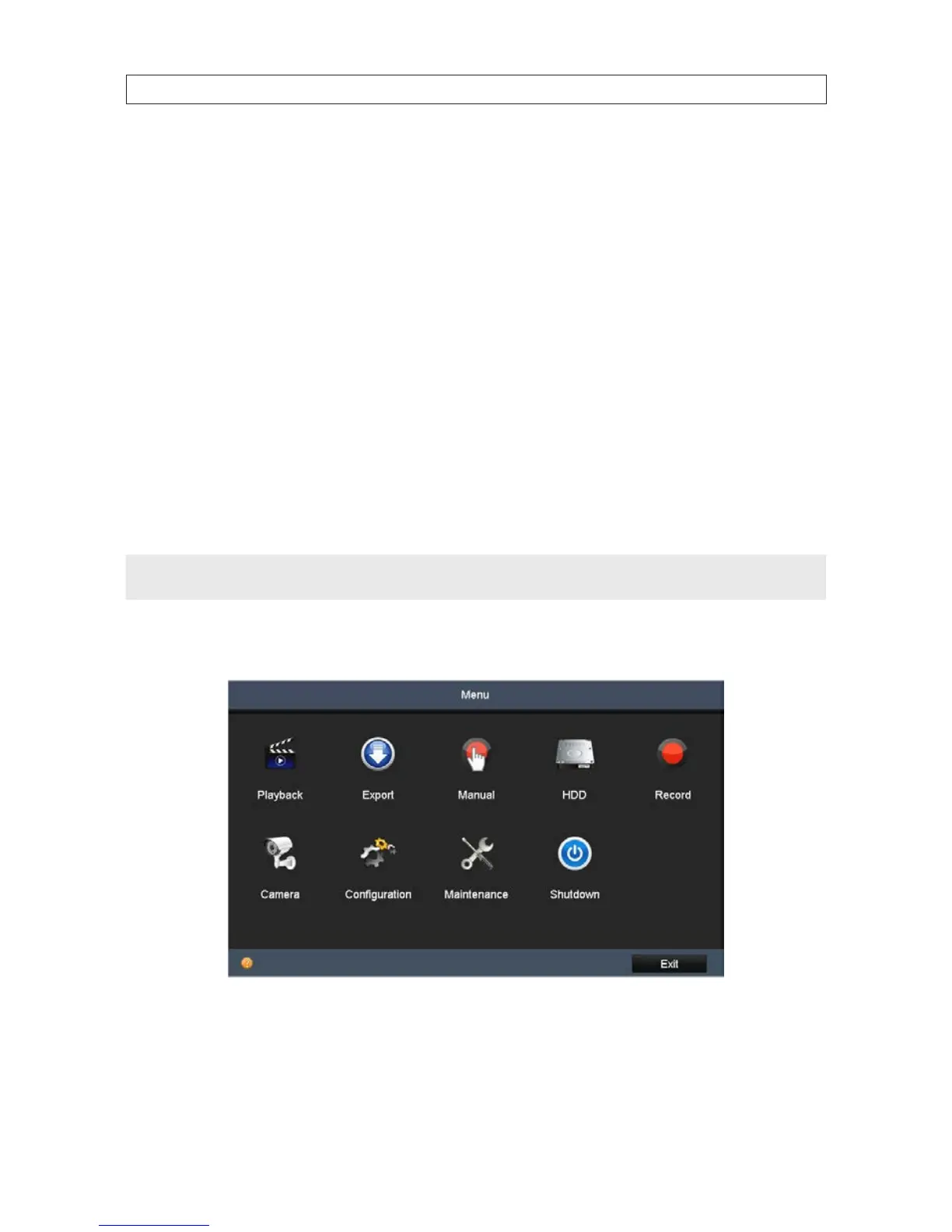
1. Open the Camera Management menu. Go to Main menu | Camera
a. Verify that the manufacturer and model of the camera you want to add is compatible with the NVR. Contact your NVR
equipment supplier for more information.
SECTION 2: INSTALLING THE SYSTEM










 To Next Page