5.2 Setting PTZ presets, patrols and patterns
NOTE
The presets, patrols and patterns you congure must be supported by the PTZ protocols.
5.2.1 CustomizingPresets
Follow the steps to set the Preset location which you want the PTZ camera to point to when an event takes place.
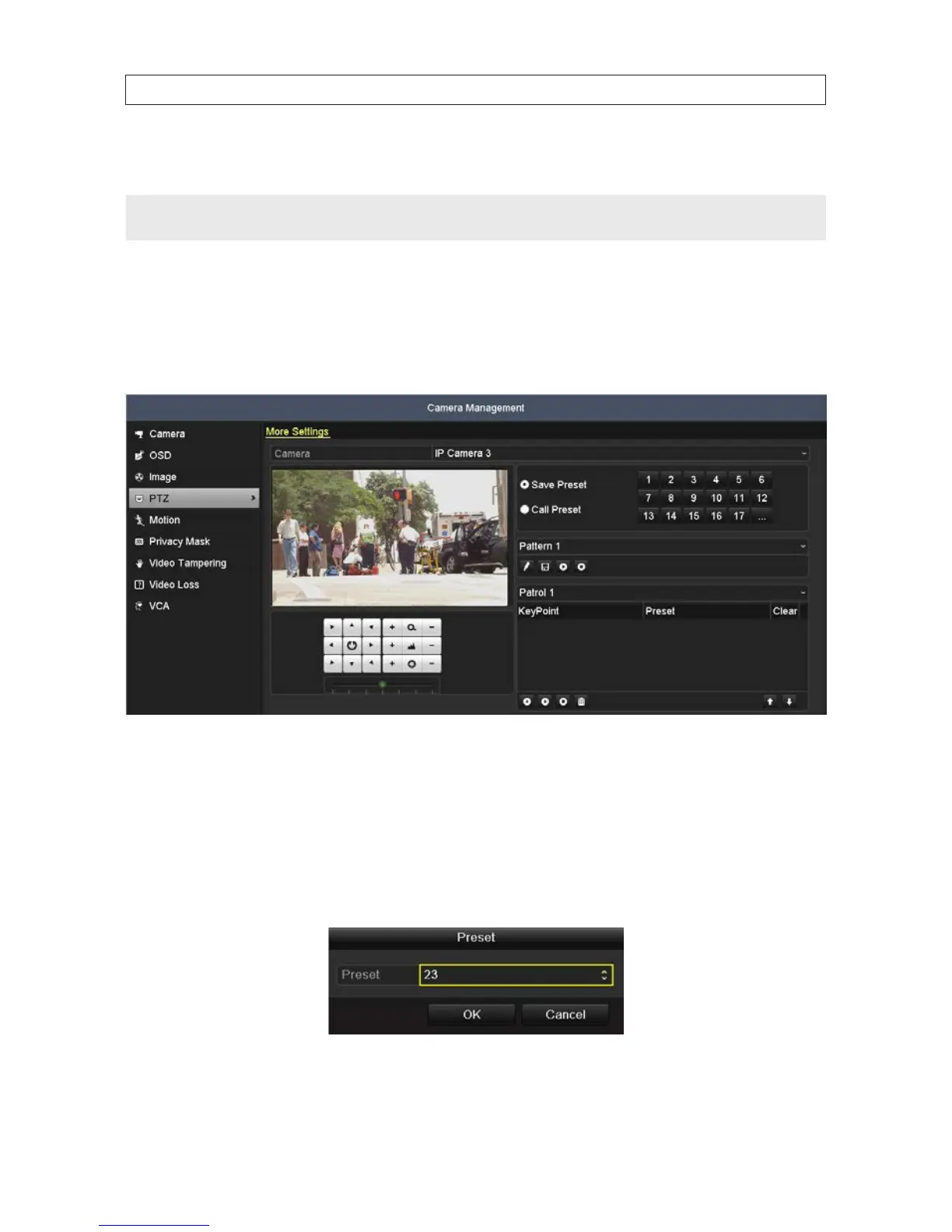
1. Open the PTZ settings menu. Go to: Menu | Camera | PTZ | More Settings
2. Use the directional button to point the camera at the position where you want to create a preset.
3. Click the round icon to the left of Save Preset to select it.
4. Click a preset number to assign to and save as the preset.
5. Repeat the steps 2-4 to create more presets. If the number of the presets you want to save is more than 17, you can click […]
and choose the available numbers.
SECTION 5: PTZ CONTROLS










 To Next Page