78
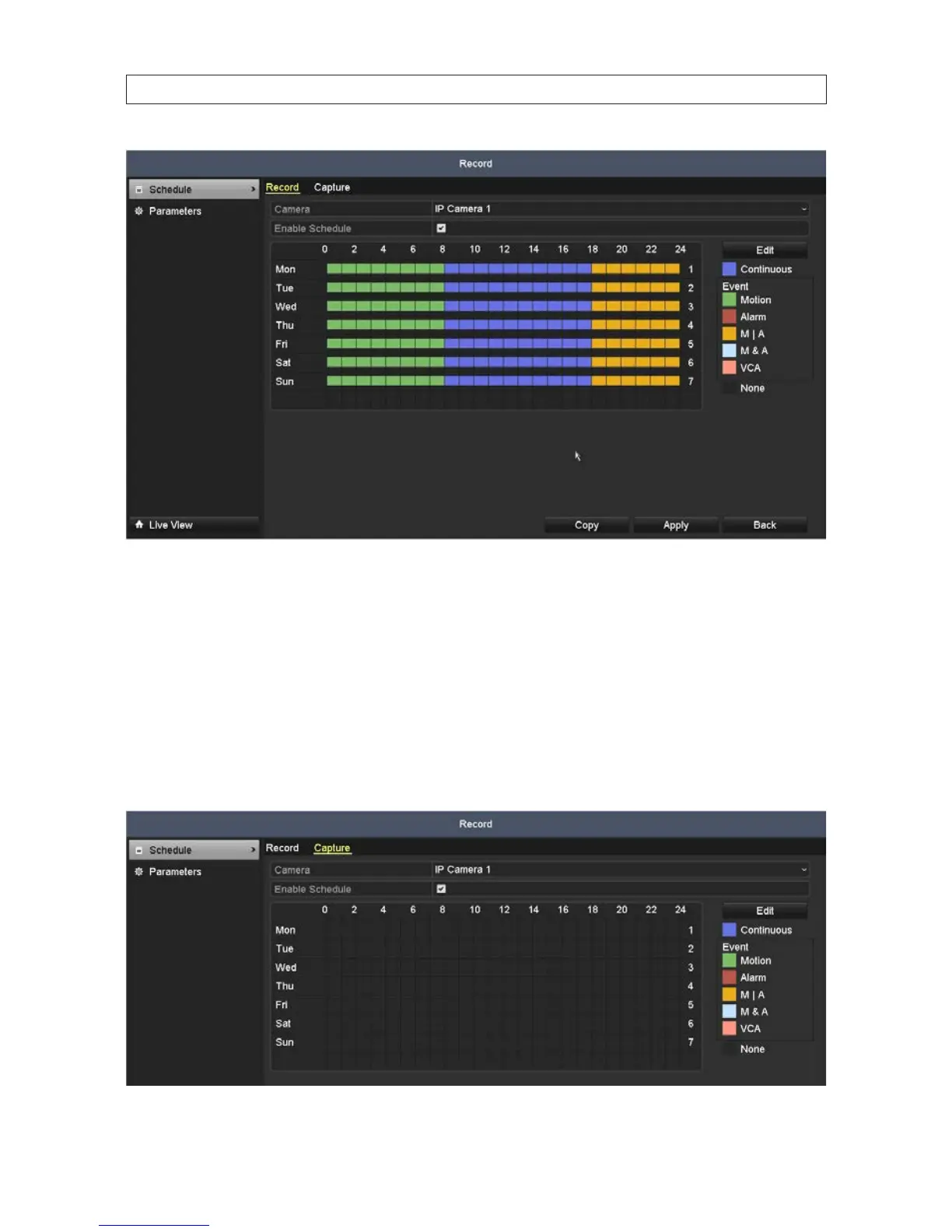
— Click Apply to validate the settings.
3. If the settings can be applied to other camera channels, click Copy.
4. In the Copy menu, click the channels you to which you want to copy the schedule to, then click OK.
6.1.3 ConguringCaptureschedule
1. Open the Capture Schedule menu. Go to Menu | Record | Schedule | Capture
SECTION 6: RECORD, PLAYBACK AND VIDEO BACKUP










 To Next Page