SECTION 6: RECORD, PLAYBACK AND VIDEO BACKUP
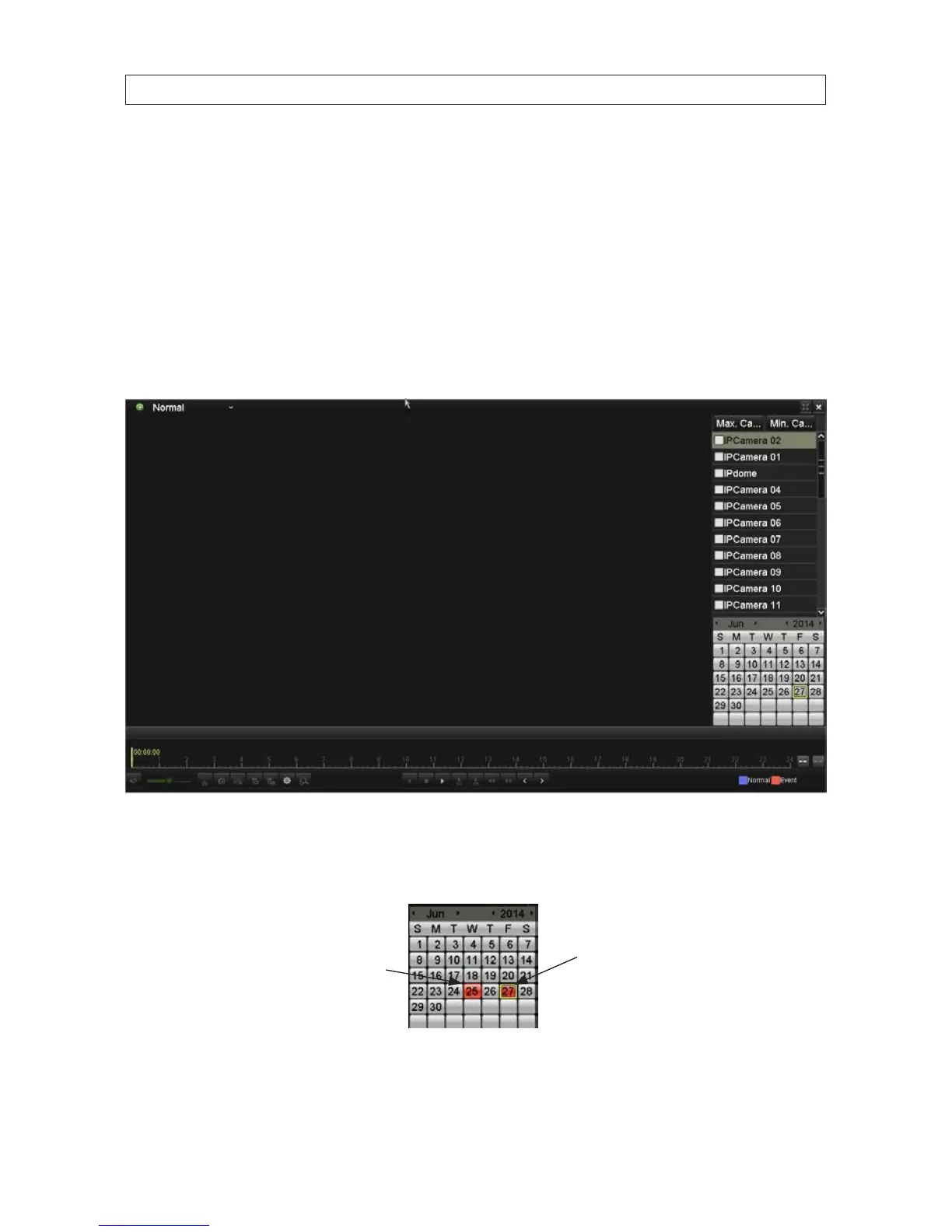
• In the “Recorded video clips” markings, blue marks represent Normal recording, red marks indicate event recording (motion,
alarm, motion | alarm, motion & alarm, VCA).
• Timeline: Use the mouse to click any point of the timeline bar to locate special frames, and drag the cursor to show the
thumbnail of the current time.
6.2.3 PlayingBackbyTime
Play back video les recorded in specied time duration. Multi-channel simultaneous playback and channel switch are supported.
1. Open the Playback interface. Go to Menu | Playback
2. Check the box of the channel(s) in the channel list you want to playback, then double-click the date on the calendar to select
the day when video was recorded. On the calendar, days when video was recorded for the cameras selected is marked in blue.
The day selected is bordered in yellow.
Date selected
(yellow border)
Video recorded
(colored ll)










 To Next Page