66
5.2.2 CallingPresets
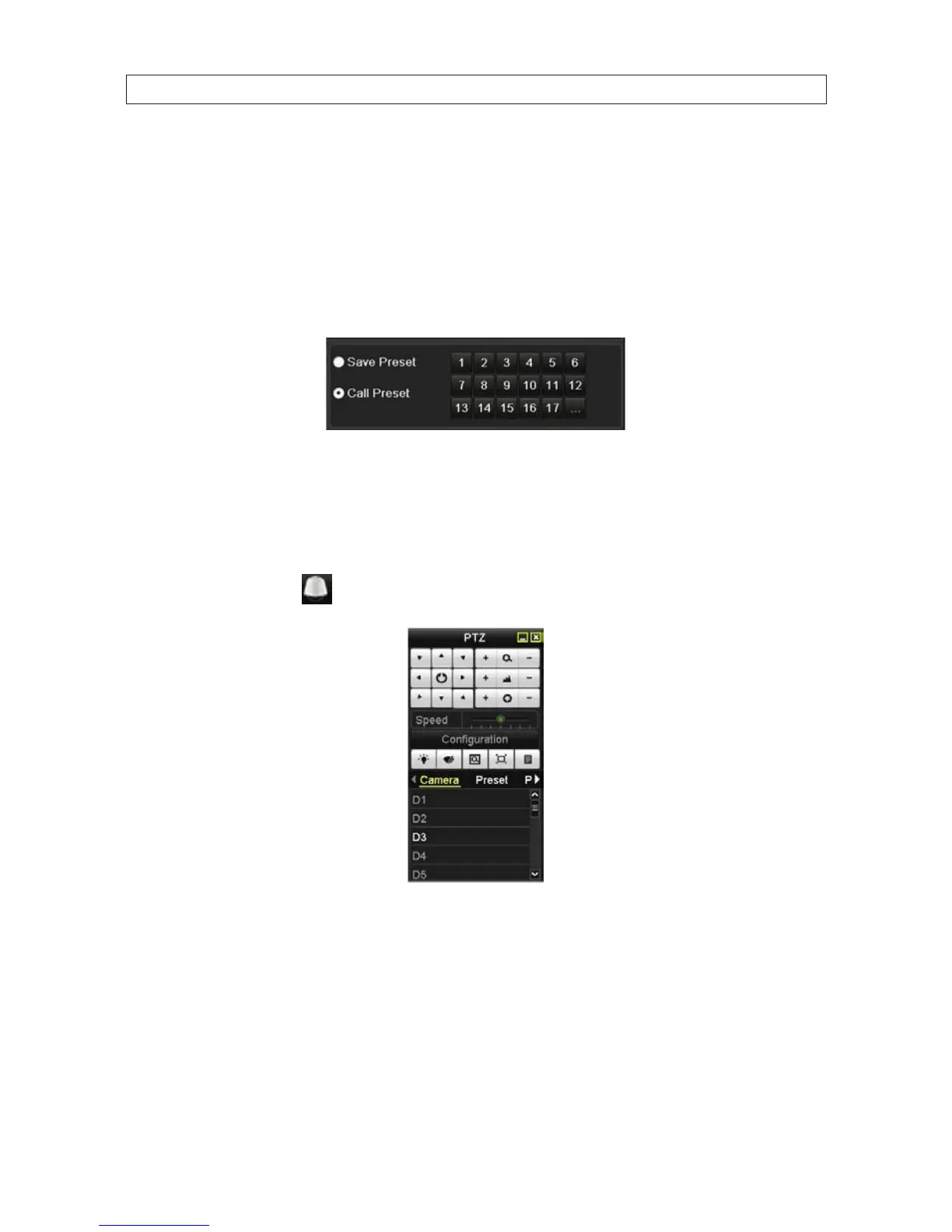
After creating a preset, you can quickly move the camera to that position by “calling” that preset. Use the PTZ More Settings inter
face to call a preset.
1. Open the PTZ settings menu. Go to: Menu | Camera | PTZ | More Settings
2. Click the round icon ot the left of Call Preset to select it.
3. Click the preset number you want to call.
Call preset in live view mode:
1. Click the button PTZ in the lower-right corner of the PTZ setting interface, press the PTZ button on the front panel,
or click the PTZ Control icon
in the quick setting bar to enter the PTZ setting menu in live view mode.
2. In the Conguration section, choose the PTZ camera you want to use.
3. Click Preset, then double click the preset number in the list to call it.
SECTION 5: PTZ CONTROLS










 To Next Page