64
SECTION5
PTZ Controls
5.1 Conguring PTZ settings
Follow the procedure to set the parameters for control of a PTZ camera installed in the system. Setup of the PTZ parameters should
be done before you control the PTZ camera. This feature is only supported for PTZ capable cameras in the compatible cameras list.
See “APPENDIX D NVR Compatible Cameras” on page 168.
Check that the PTZ and the NVR are connected properly through RS-485 interface.
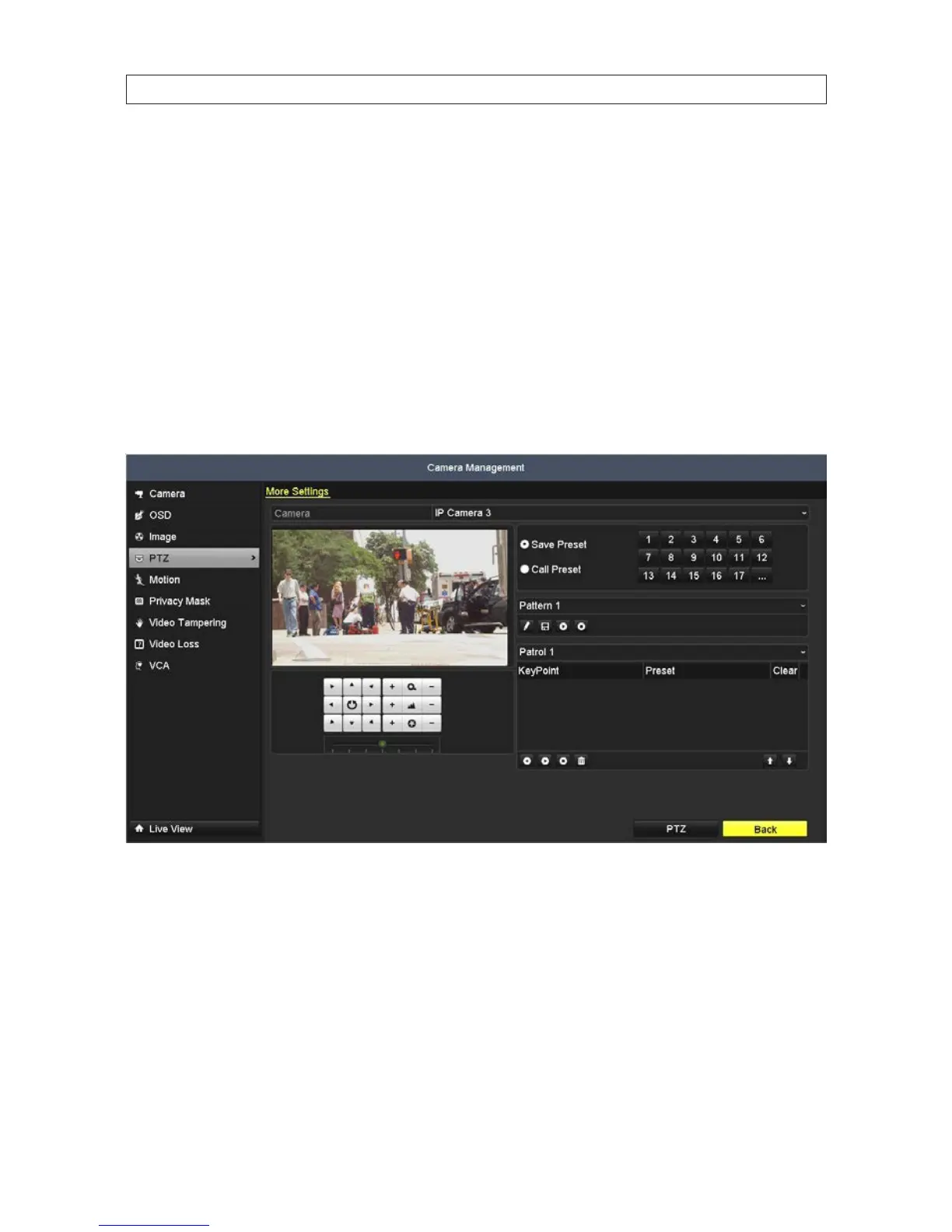
1. Open the PTZ menu. Go to: Menu | Camera | PTZ
2. Choose the camera for PTZ setting in the Camera drop down list.
3. Enter the parameters of the PTZ camera. All the parameters should be exactly the same as the PTZ camera parameters.
4. Click Apply to save the settings.
SECTION 5: PTZ CONTROLS










 To Next Page