20
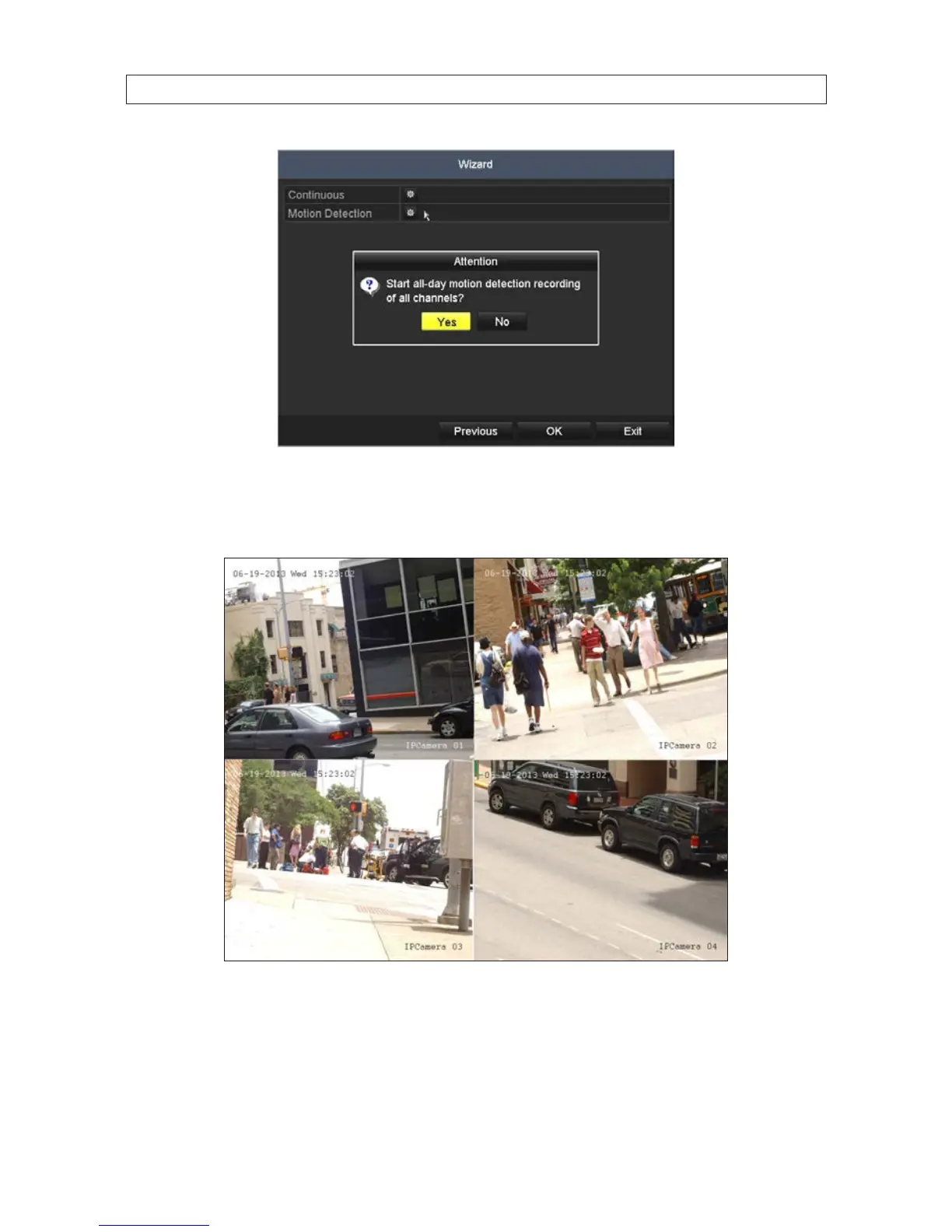
Click the star for Continuous or Motion Detection, click Yes in the Attention pop-up window, and then click OK to save
the settings. The Wizard will close and the NVR will present the Live View display. For more information about the Live View
display, see “SECTION 4 Live View Interface” on page 56.
Live View display
10. While viewing video from each cameras in the Live View display, adjust the direction of each camera to aim it at its
surveillance target. Follow the manufacturer’s recommended procedures for aiming the cameras.
SECTION 2: INSTALLING THE SYSTEM










 To Next Page