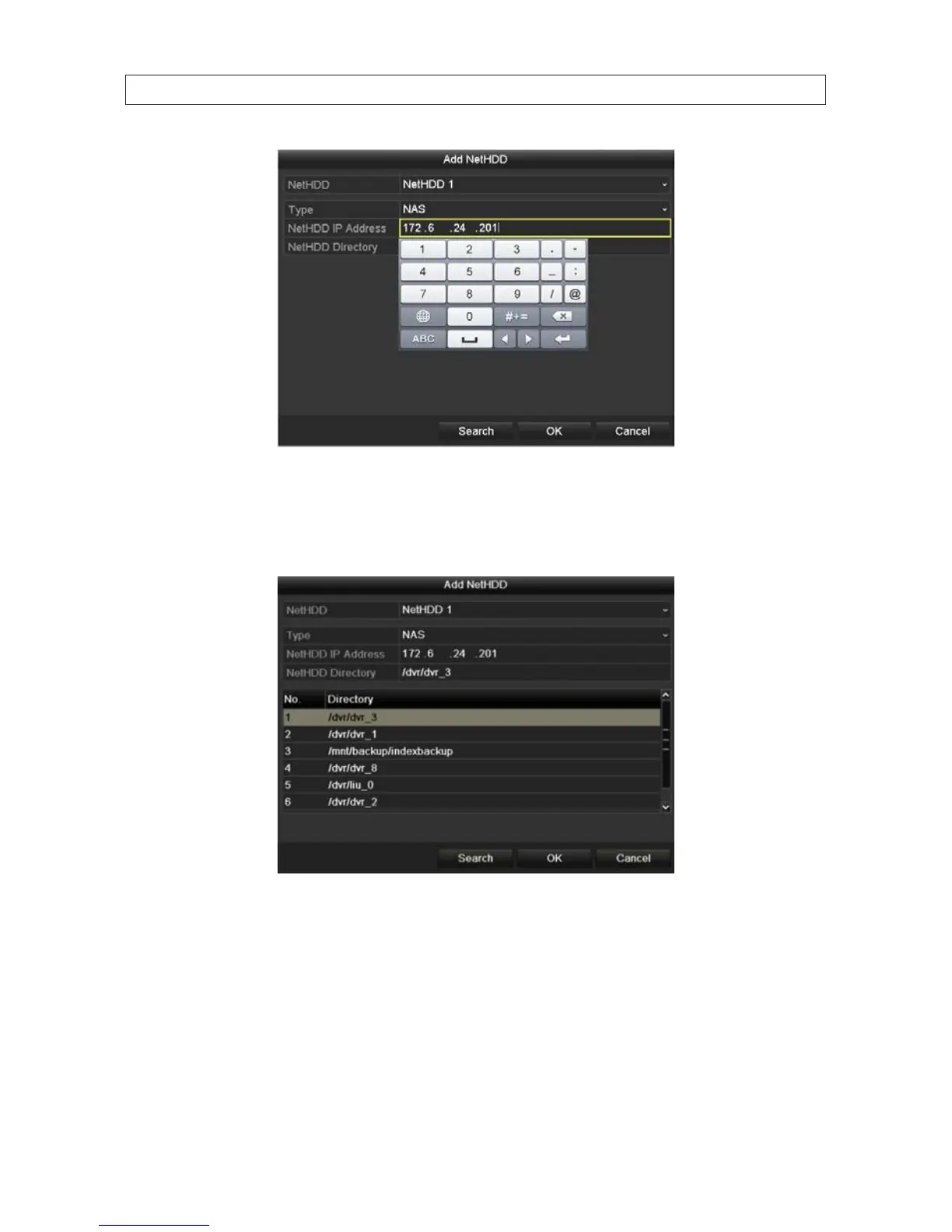
ii. Click the Search button to search for available NAS disks.
iii. Select the NAS disk directory from the list shown, or manually enter the directory in the text eld of NetHDD
Directory.
iv. Click OK to add the NAS disk to your system.
— For an IP SAN disk:
i. In the Add NetHDD window, click the Type eld, then select IP SAN.
ii. Enter the NetHDD IP address in the text eld.
iii. Click Search to discover the available IP SAN disk directories on the network.
SECTION 2: INSTALLING THE SYSTEM










 To Next Page