Professional
FM Transceiver
03
3.Commercial radio Mode:
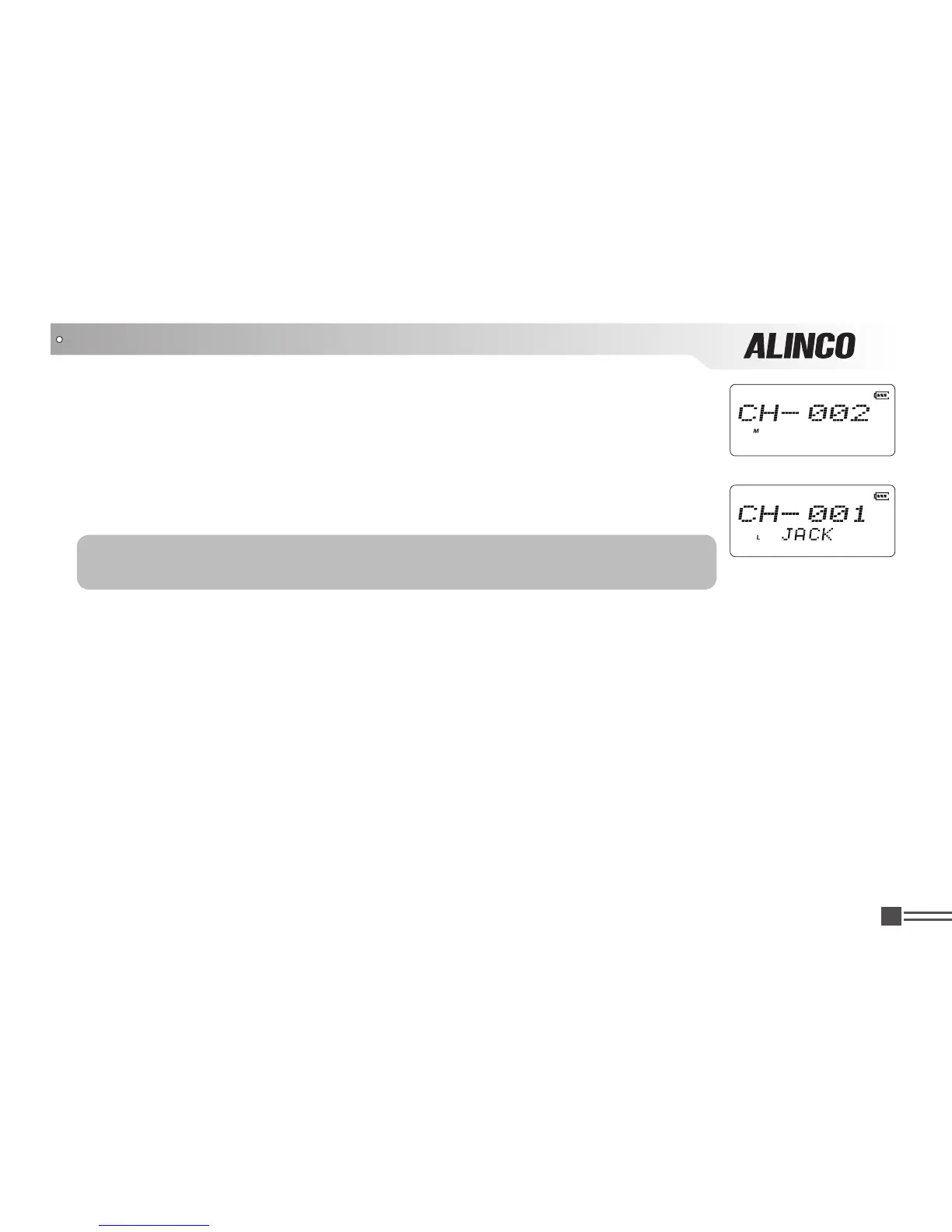
When set display mode as "CH", it enters into Commercial radio mode. At this
mode, except scanning, talk around/frequency reverse, DTMF encode or editing,
BEEP on/off and keypad lock, all other functions should be set by PC software
in advance to the operation (As pic 4). If name tag is programmed, the LCD will
display current channel and name tag. (As pic 5)
(Pic 4)
(Pic 5)
NOTE: In Commercial radio mode, you can't switch the mode to VFO or
channel manually, but you must use PC utility software.
4. In each operating mode, access to the set mode is possible.
OPERATION MODE (VFO mode and Channel mode)



 To Next Page