Professional
FM Transceiver
30
NOTE:
Frequency scan checks all bands allocated to the VFO. When channel scanning, the skipped channel is
excluded from the scanning. While scanning, change the direction upward/downward by pressing
【
B
】
key or
【
C
】
key. When a signal is being received, the scan stops for 15 seconds and resume scanning.
ADVANCED OPERATIONS
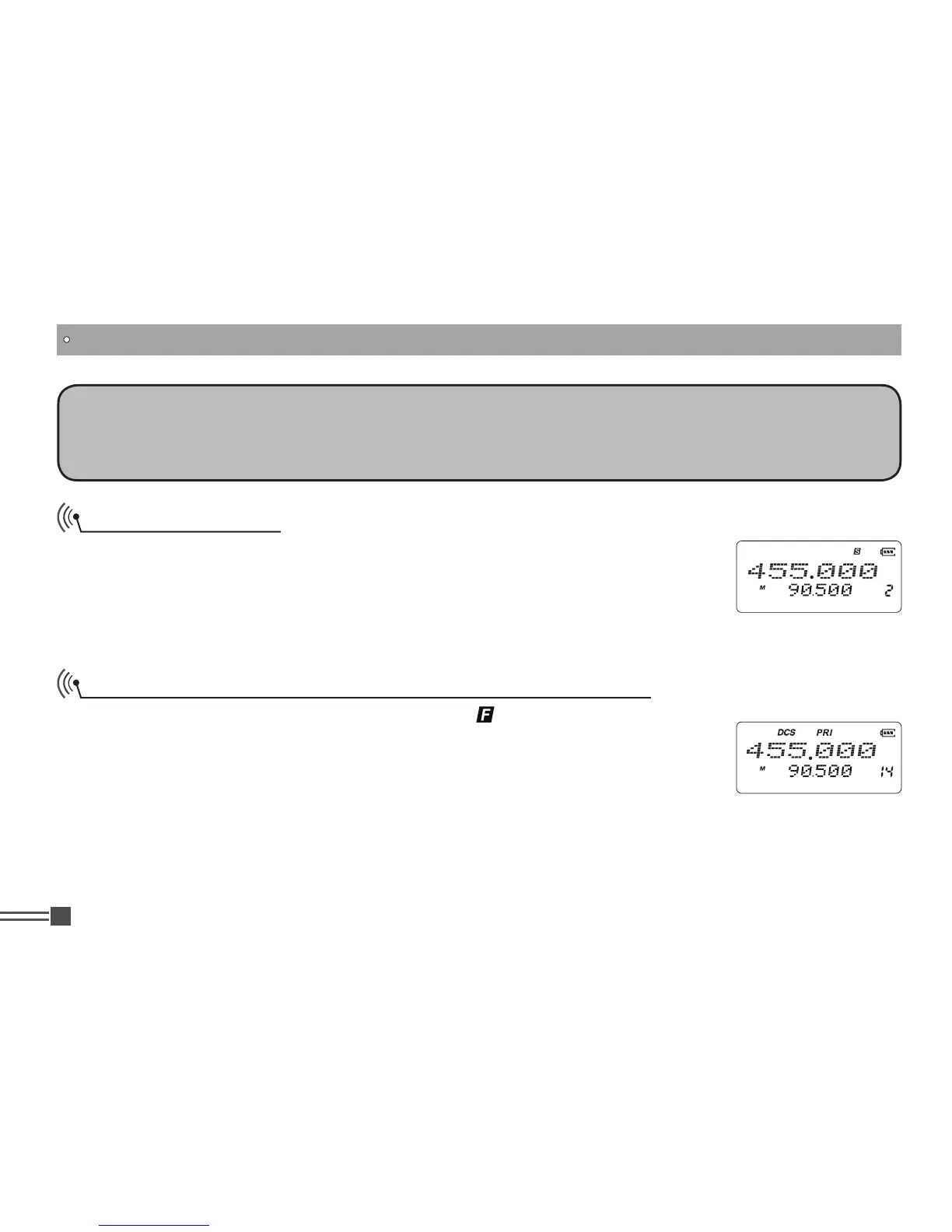
Priority Scan
(Preprogramming of PRI channel is required)
In memory modes, after pressing
【
A
】
key, while
icon is displayed on the top
left corner memory modes, press
【
7
】
key to activate the priority scan. In priority
scan state, it monitors priority channel once every 10 channel scanning. When
the priority channel receives a matching signal, transceiver will stay tuned to the
priority channel until current signal disappear.
NOTE: In VFO mode, priority scanning is unavailable
Channel Scan Skip
In memory modes, after pressing
【
A
】
key, while and then press
【
6
】
icon is
displayed on the top left corner, press
【
6
】
key to set the current channel to be
skipped while channel-scanning, and ‘S’ icon appears to indicate skip state.
Repeat the operations to cancel channel scan skip setting.



 To Next Page