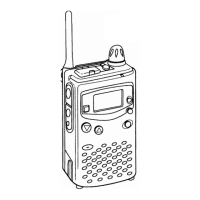
Professional
FM Transceiver
42
NOTE:
DTMF signaling is applied as an optional signaling to this product.
Signaling Relations
Select how to operate the Selective-calling(Signaling) function.
ADVANCED OPERATIONS
1. after pressing
【
A
】
key, while
icon is displayed on the top left corner, press
【
8
】
key to enter into
function menu.
2.Press
【
B
】
/
【
C
】
key to choose Menu 11 and display “
”.
3.Press
【
A
】
key then press
【
B
】
key or
【
C
】
key to choose the desired parameter.
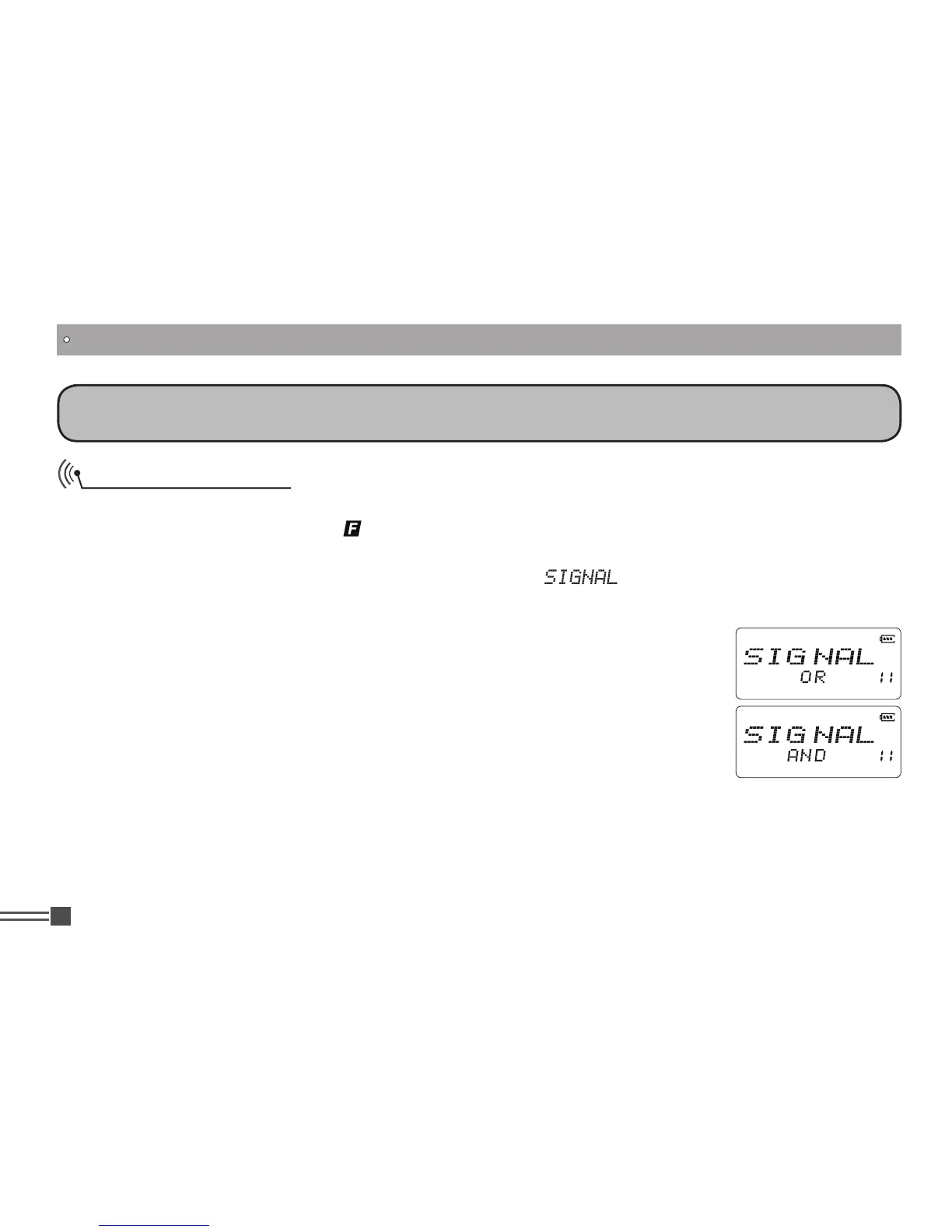
OR:
As long as receiving a matching CTCSS / DCS tones OR any one of optional
signaling, the squelch
unmutes and receives audio. Default if OR.
AND:
As long as receiving a matching CTCSS / DCS signaling AND optional
signaling at the same time,
the squelch unmutes and receives audio.
Note:
DTMF signaling is used as an optional signaling to this product.



 To Next Page