Professional
FM Transceiver
27
ADVANCED OPERATIONS
Editing Channels
1.In VFO mode, enter the frequency and set the operating parameters as you desire. After pressing
【
A
】
key, While
icon is displayed on the top left corner, press and hold
【
D
】
key for 2 seconds. A beep
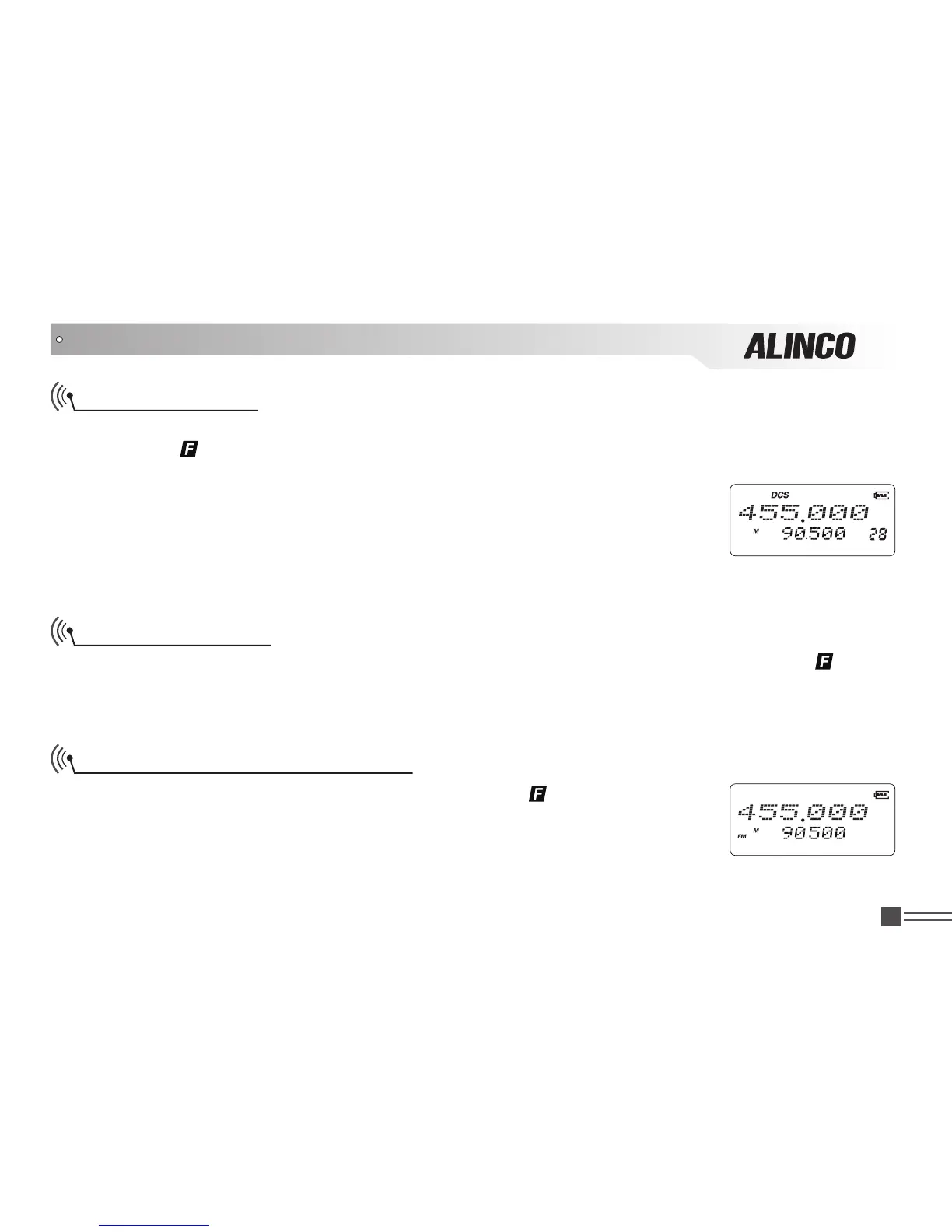
sounds and LCD displays the channel No. icon.
2.Press
【
B
】
/
【
C
】
key to select desired channel number. LCD will display
"- - - - - -" if current channel name is not preprogrammed.
3.After pressing and holding
【
D
】
key for 2 seconds, a beep sounds and
completes the operation.
Turn On/ Off FM Radio receiver
In Stand-by conditions, after pressing
【
A
】
key, While
icon is displayed on
the top left corner, press
【
1
】
key. LCD displays 'FM' and starts receiving FM
broadcasting frequency. Repeat the operations to turn off.
Deleting Channels
In the Channel mode, select the channel to be deleted. After pressing
【
A
】
key, While
icon is
displayed on the top left corner, press and hold
【
D
】
key for 2 seconds. A beep sounds and skips to
another channel. The channel is deleted and completes the operation.



 To Next Page