40
SEND FX
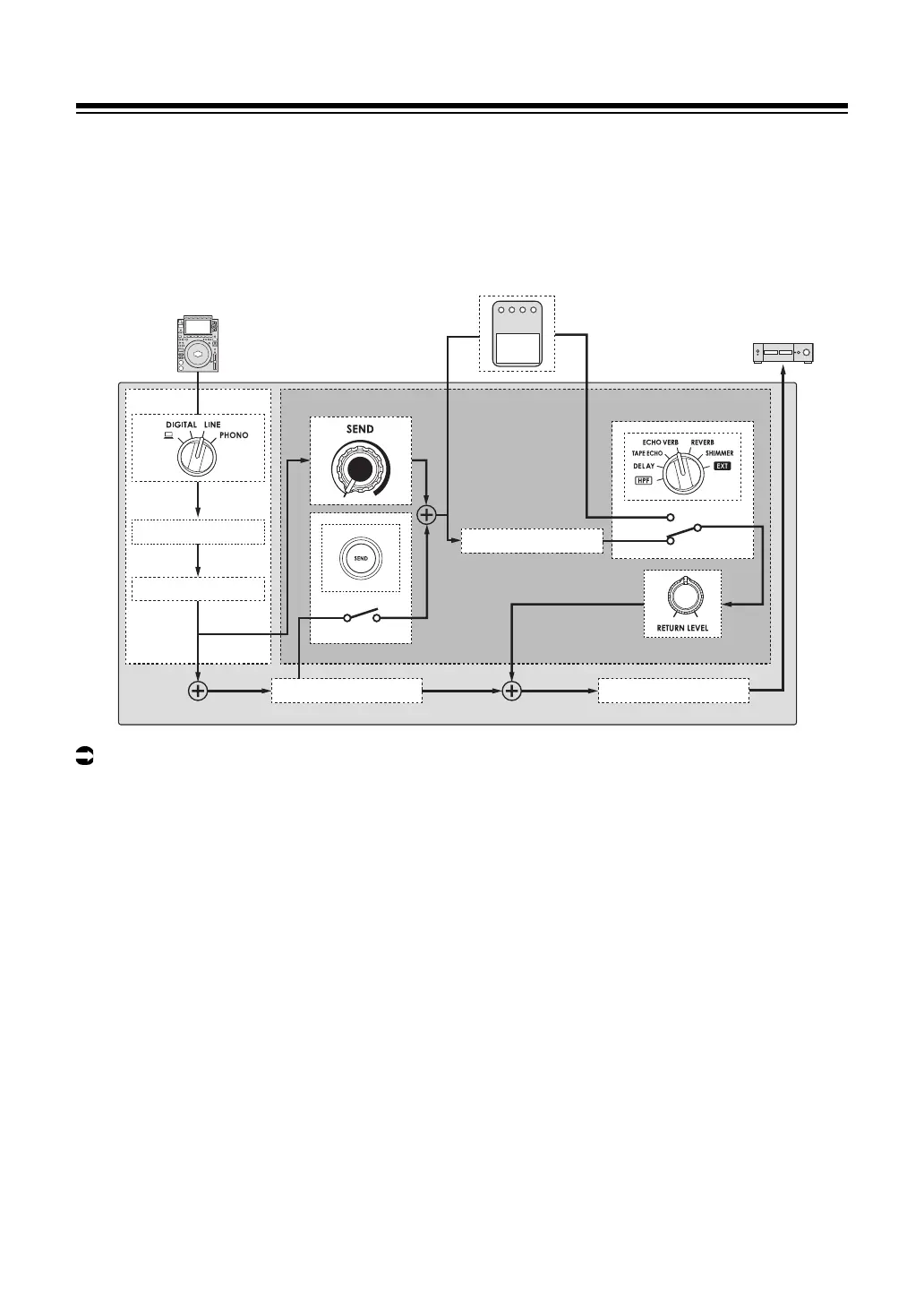
Routing effect sounds to the master output
You can route the sound of one of the built-in effects or an external effects unit to the master
output.
Effects can be applied from the channel sound or master sound.
Read more: SEND FX types and settings (page 42)
1 Turn the SEND FX selector switch to select an effect.
• If you’re using an external effects unit, skip to step 5.
2 Press the [TAP] button to select a BPM measuring mode.
3 Turn the TIME knob to adjust the time parameter for the effect.
4 Turn the [PARAMETER] knob to adjust the quantitative
parameter for the effect.
5 Turn the [RETURN LEVEL] knob to adjust the effect volume.
euphonia
CH SEND FX
TRIM/EQ
Master Isolator
Built-in effects
Output
External effects unit
Rotary fader
Master volume
Input



 To Next Page