44
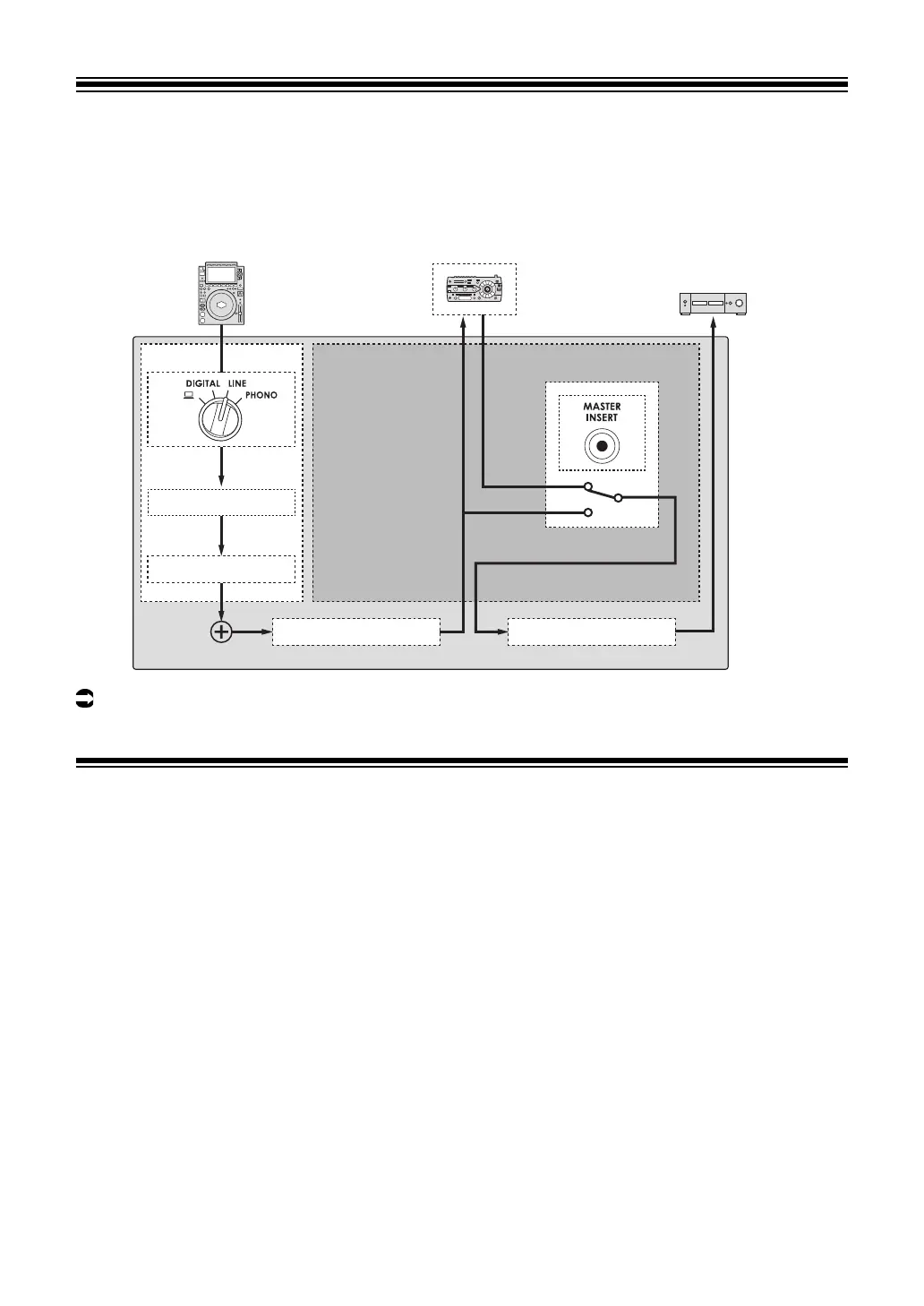
Master Insert
You can switch the effect sounds of an external effects unit and the master sound.
Read more: Connecting external effects units (page 24).
Using Master Insert
1 Connect an external effects unit to the [MASTER INSERT
SEND] and [MASTER INSERT RETURN] terminals.
2 Press the [MASTER INSERT/(WAKE UP)] button to turn Master
Insert on.
• Press the [MASTER INSERT/(WAKE UP)] button again to turn Master Insert off.
• Master Insert is turned off when an external effects unit isn’t connected to the unit.
• You can’t turn Master Insert on and off when the [UTILITY] screen is displayed
(page 48).
• Check the output volume in the connected external effects unit before turning Master
Insert on or off.
euphonia
CH MASTER INSERT
TRIM/EQ
Master Isolator
External effects unitInput
Output
Rotary fader
Master volume



 To Next Page