10
Part names
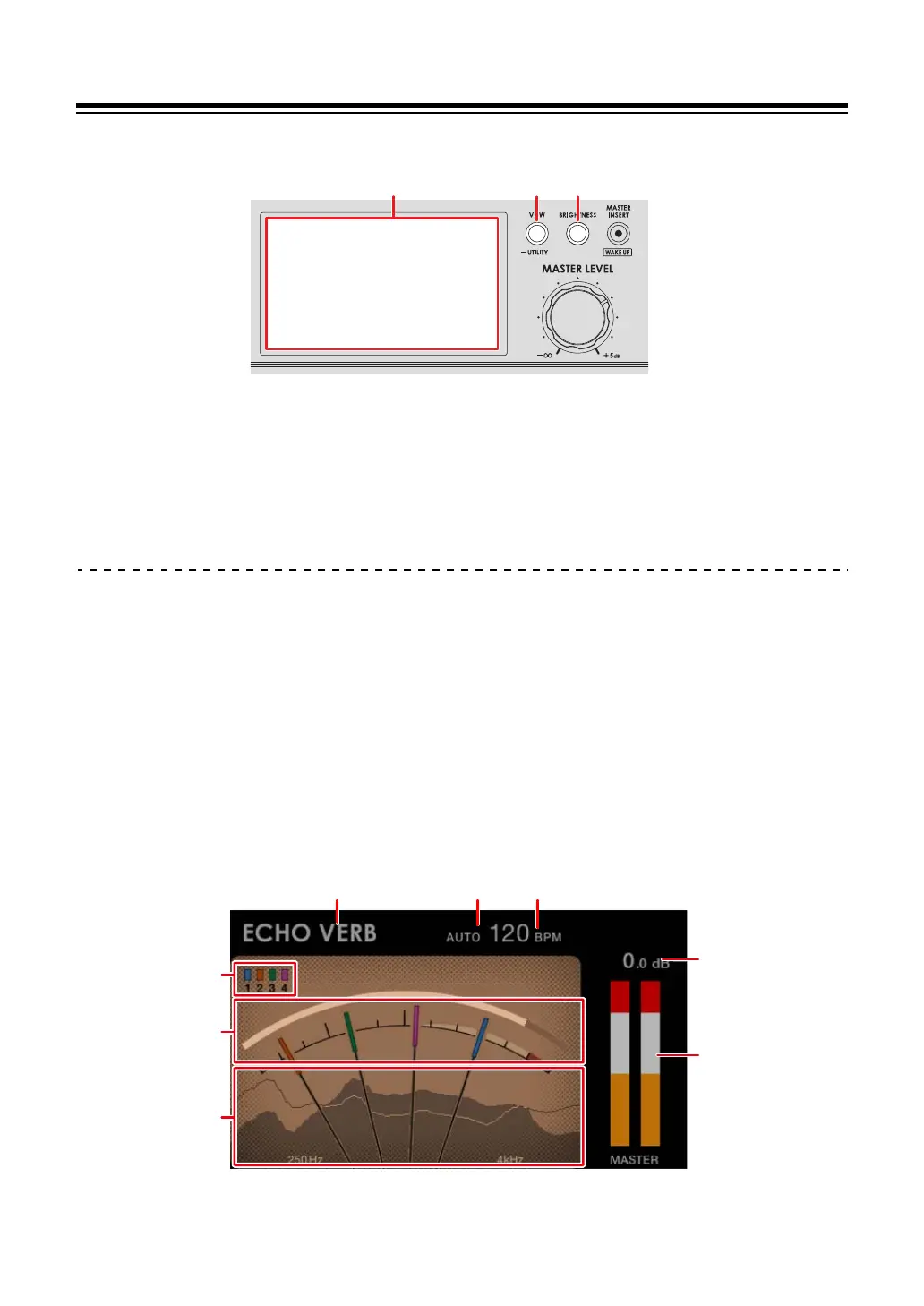
Display section
1. Screen (page 10)
2.
VIEW/UTILITY button
Switches the display types.
3.
BRIGHTNESS button
Sets the brightness of the screen.
Main display
The screen shows the status of the sound being played.
Press the [VIEW/UTILITY] button to switch between Needle View and Digital View.
— Needle View: Shows the status of sound with the Mix Level Meter with meter needles,
and Spectrum Analyzer.
— Digital View: Shows the status of sound with the Mix Level Meter in columns chart, and
Spectrum Analyzer.
• Needle View is displayed when the unit is turned on.
Needle View:
8
6
7
123
5
4



 To Next Page