26
Audio output
Follow the procedures below to output and adjust sound.
– Outputting sound (page 28)
– Adjusting the sound of the channels (page 29)
– Adjusting the left/right sound balance (page 29)
To output sound to the [BOOTH] terminals, see Using a booth monitor (page 35).
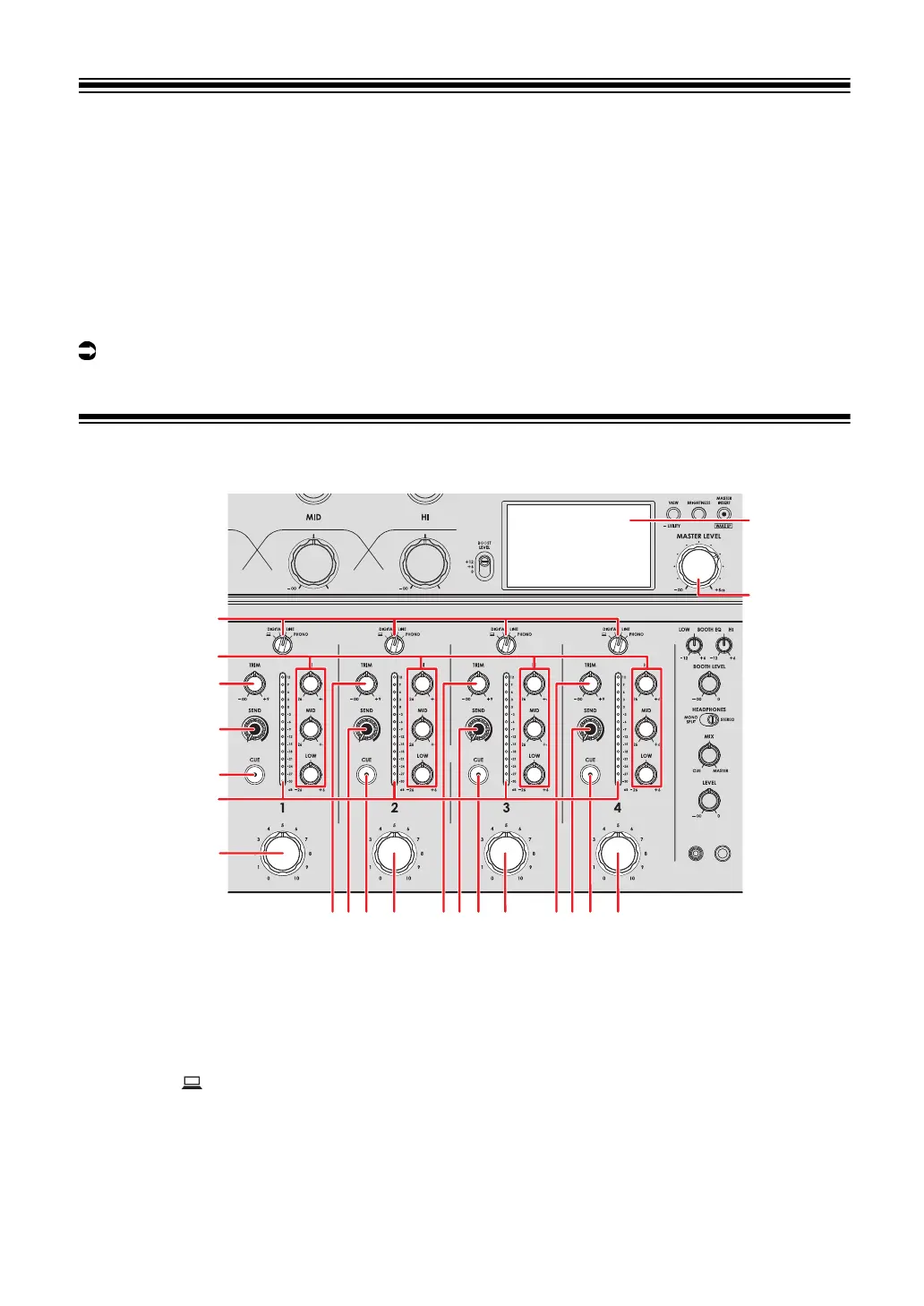
Channel section/master section
Channel section
1. Input selector switch
Selects an input sound source.
—[ ]: Selects a PC/Mac connected to the [USB] port.
—[DIGITAL]: Selects a multi player, etc. connected to the [DIGITAL IN] terminal.
—[LINE]: Selects a multi player, etc. connected to the [LINE] terminals.



 To Next Page