45
USB/MIDI
If you have a PC/Mac with MIDI software installed and connect it to the unit via a USB cable,
you can control DJ software via the unit.
• For details on the unit’s MIDI messages, visit the URL below.
alphatheta.com/support/
• MIDI timing clock is always sent.
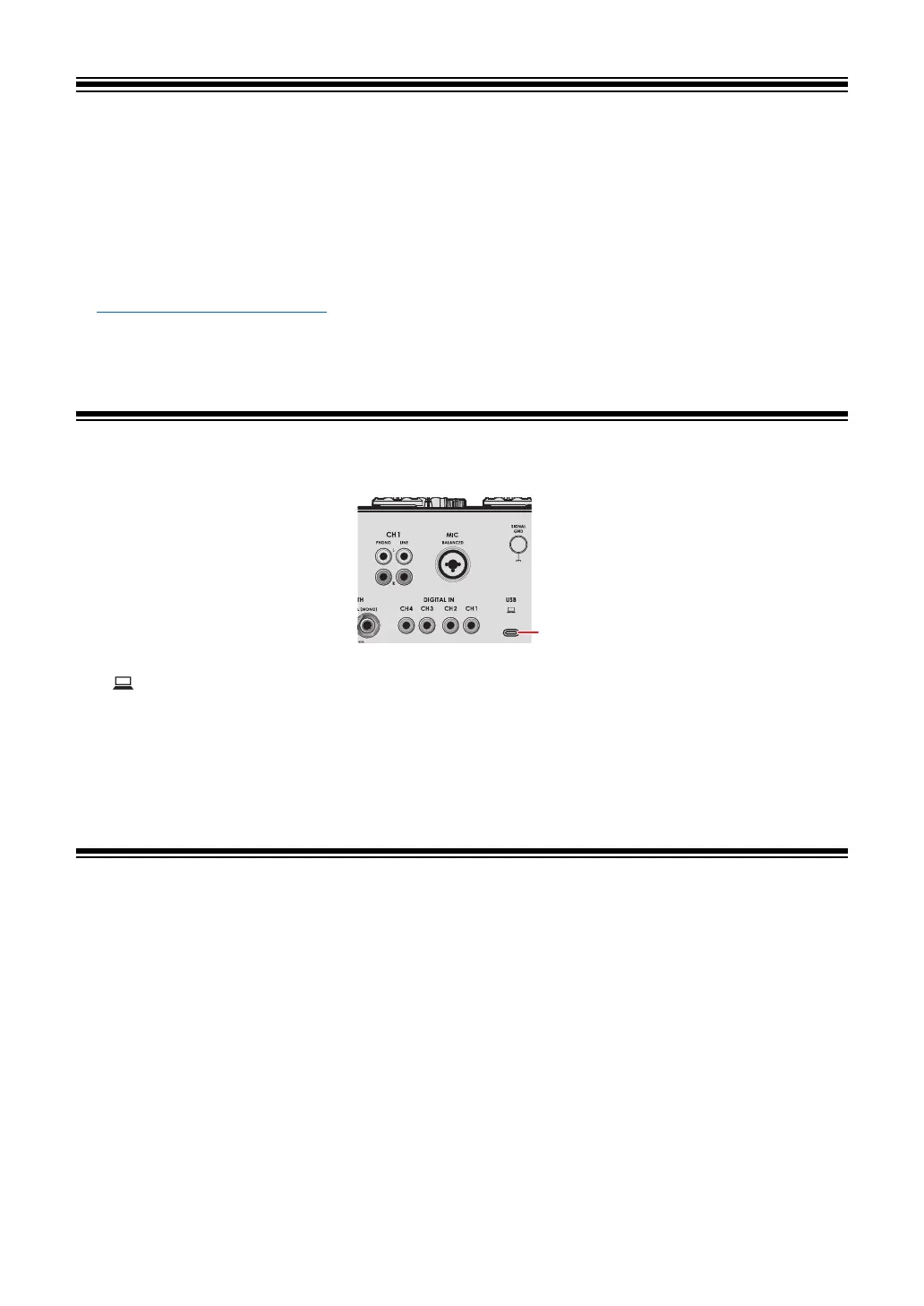
USB/MIDI section
1. (USB) port (page 21)
• To input or output your PC/Mac’s audio to/from the unit, install the dedicated software
on your computer (page 13). If the dedicated software isn’t installed on the PC/Mac, a
message is displayed on the screen of the unit.
Controlling MIDI software
• Install MIDI software and configure the audio and MIDI settings on your PC/Mac
beforehand.
1 Connect your PC/Mac to the unit.
2 Launch the MIDI software.



 To Next Page