malletKAT User Manual (ver.07-17-18)
only have a three or four octave malletKAT.
Global Auxiliary Shortcut #85
malletKAT Express
Auxiliary Editing Screens require pressing the Edit Footswitch and Sustain 1 pedal at the same time (See Section
4.1.1(https://alternatemode.com/online-docs/malletkat/#malletkat-express-accessing-editing-functions)
)
INDIVIDUAL PAD TRAINING
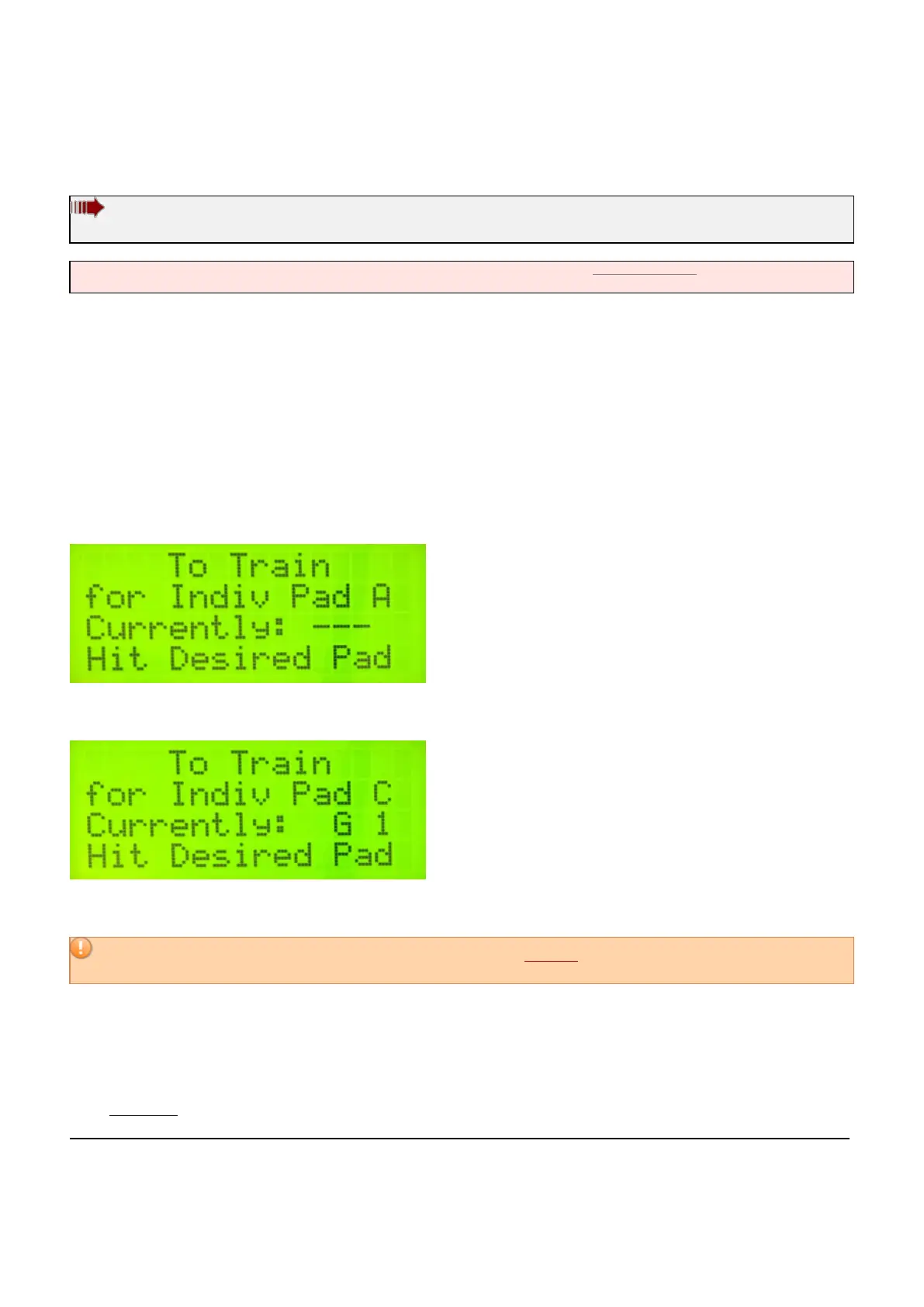
It is also possible to train up to sixteen individual pads. These pad training values are stored in “INDIV Pad Train
A, B, C………P”. Go to Global Auxiliary Screen #85, keep the Footswitch down and use the Forward function pad to
scroll through these 16 INDIV PAD TRAIN Letters.
Pick a Letter (slot) for storage, then tap the pad that you want to train.
— If the individual slot has not been assigned a pad, the screen will display “—-“.
— If you have already chosen a pad for this slot, it will appear here. You can overwrite it by choosing different pad.
The malletKAT will ask you to hit the pad soft, then hard.
For best results, before registering a soft hit, you should release the Edit footswitch.
If you choose to
abort training, tap the Edit footswitch BEFORE finishing this process…
These values will be stored in that INDIV PAD Letter for the mallet pad that you just played. Go to Global Screen
#80 and use the function pad to find the training values in the PAD Letter. The name of the pad (the key) that has
been individually trained is now displayed in that Pad slot.
If the same pad is trained in more than one slot, only the training data from the last slot is used.
To Reset an Individual Pad Training Slot, follow these steps:
28 / 109



 To Next Page