Operating Instructions (18-0015) AM-48 Test Set
0015-S077-8
7.6 Multiple Use of Keys
Multi-Function Keyboard . See Table 7-1 for different uses of the
keyboard, per the setup (switch numbers per Figure 3-5).
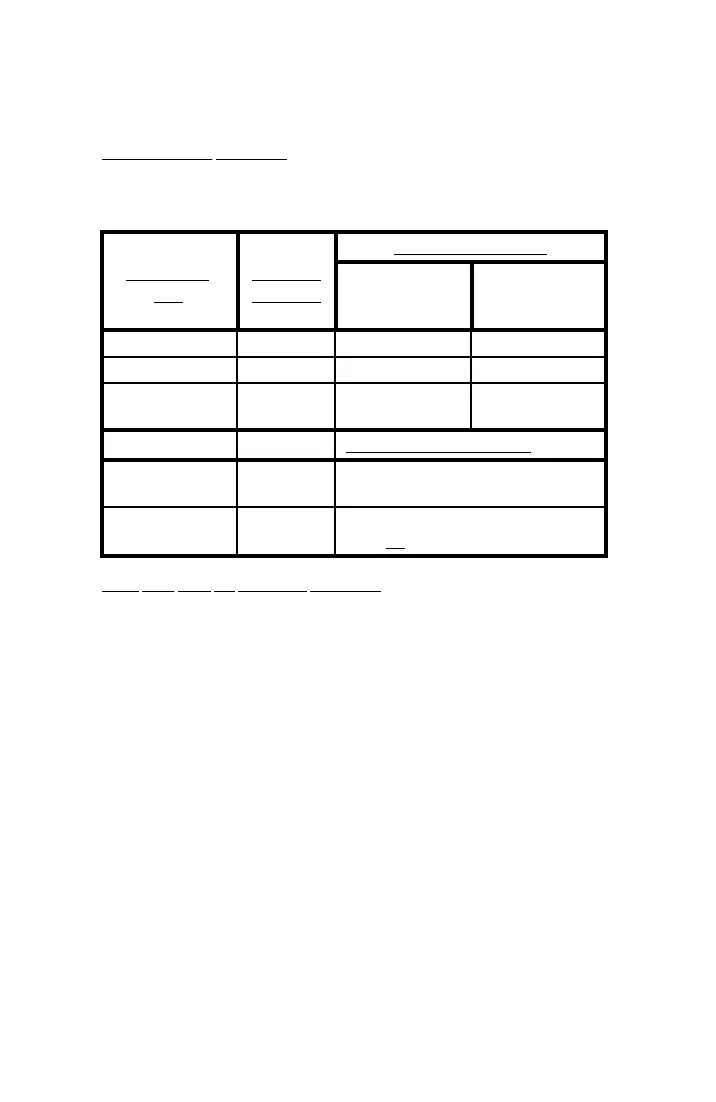
Table 7-1. Setup Requirements for Different Keyboard Applications
SWITCH 12 POSITION
KEYBOARD
USE
SWITCH 7
POSITION
2-WIRE
OFF-HOOK
(loop current)
2-WIRE
ON-HOOK
OR 4-WIRE
Dial DTMF <DTMF> <TONE> <ON HK>
Dial MF <MF> <TONE> <ON HK>
Dial PULSE <DTMF> or
<MF>
<PULSE> _ _ _ _ _
DISPLAY REQUIREMENTS
Send Momentary
Variable Tone
<SHIFT> From QUIET SEND Display
Set Parameter
Values
<SHIFT> Displays in Figures 7-1 thru 7-8 with
plain (not cross-hatched) characters
Keys with Two (2) Auxiliary Functions . The (*) and (#) key each
have two (2) auxiliary functions. The [START]/[∆], on the (*) key,
and [STOP]/[∇], on the (#) key, are enabled per the setup.
The [START] and [STOP] functions only operate from certain displays
in a timed test; see ¶7.24.3.
See ¶7.8.2 and .3 for explanation of the use of the [∆] and [∇]
functions. When the [∆] or [∇] key is pressed continuously, the
“auto-repeat” feature is enabled and repeatedly steps a parameter
value at 10 times the normal step. Table 7-2 lists the momentary and
continuous press steps.



 To Next Page