PARSTAT MC Hardware Manual
PARSTAT MC Hardware Manual 31
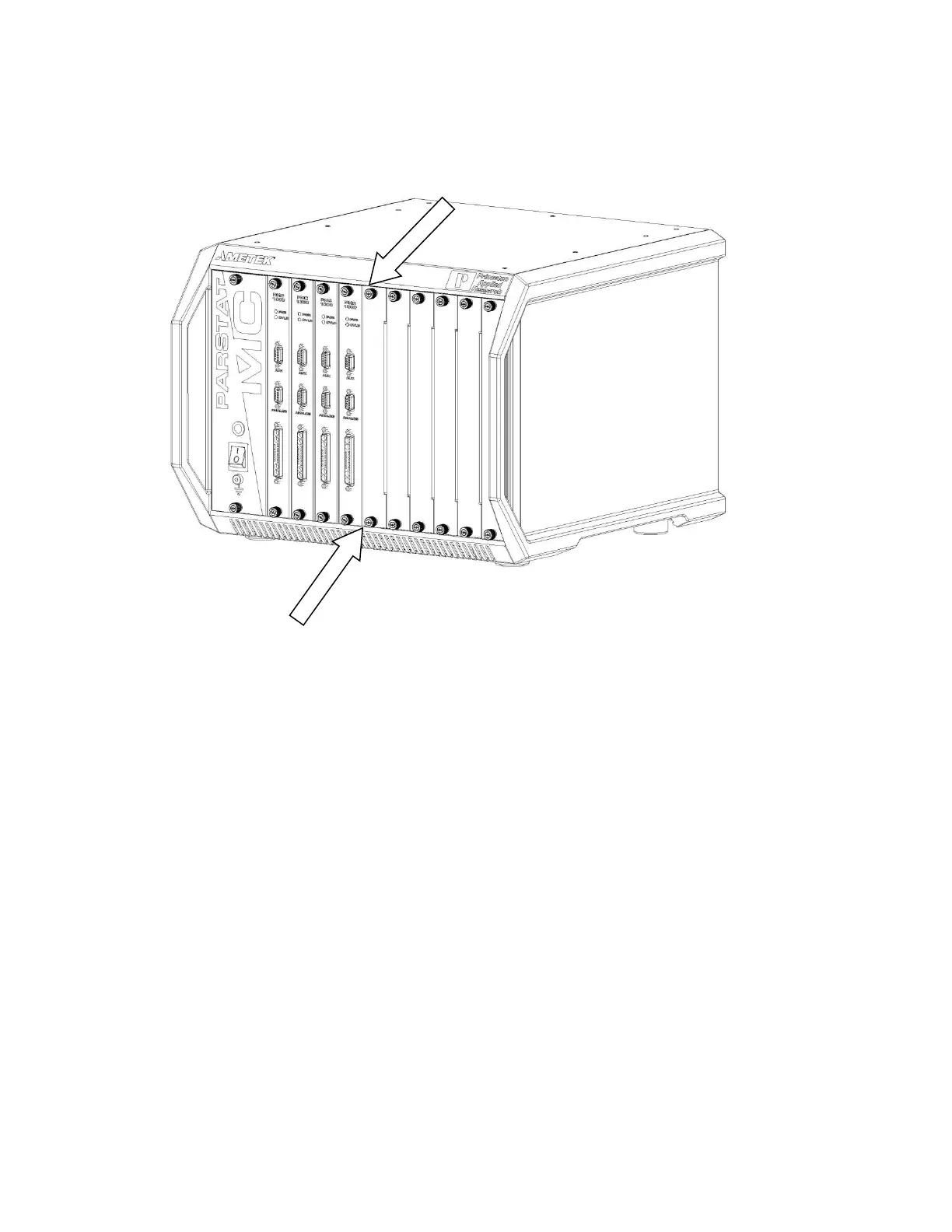
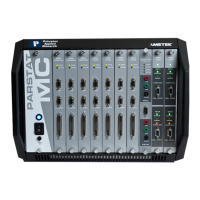
Figure 23. PARSTAT MC with the Blank Module ThumbScrews Identified
Remove the blank module by turning the top and bottom thumbscrews anti-clockwise (toward the left) until
the thumbscrews are disconnected from the chassis. Then pull firmly on the thumbscrews until the blank
module slides out of the chassis.





 To Next Page