PARSTAT MC Hardware Manual
PARSTAT MC Hardware Manual 50
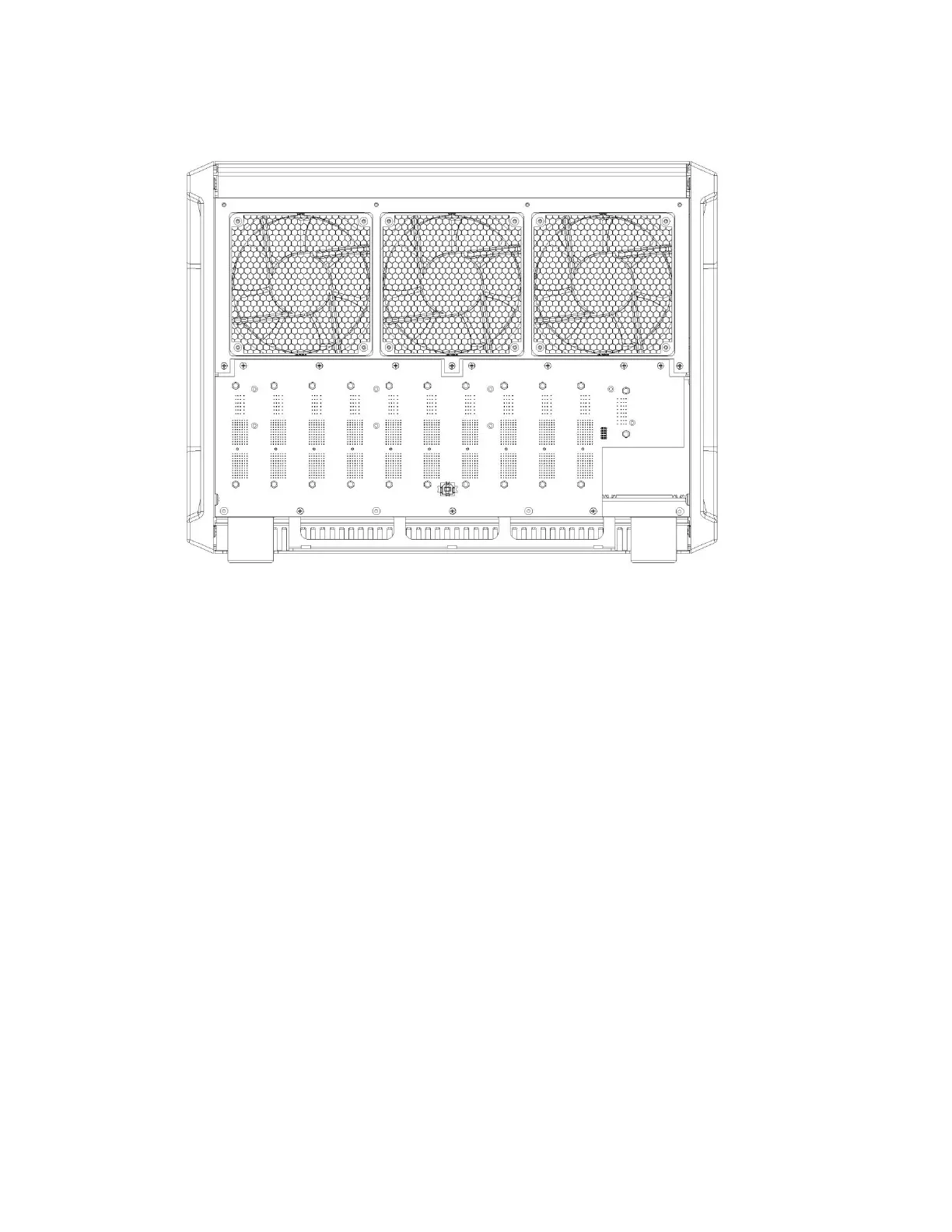
Figure 44. PMC CHS08A with the new PMC BPLN insalled.
Install three standoffs provided in the locations shown. Install the fan control card. For instructions on
installing the fan control card, refer to the section Replacing the fan module.
Place the rear cover on the back of the chassis and install eight screws in the locations shown.








 To Next Page