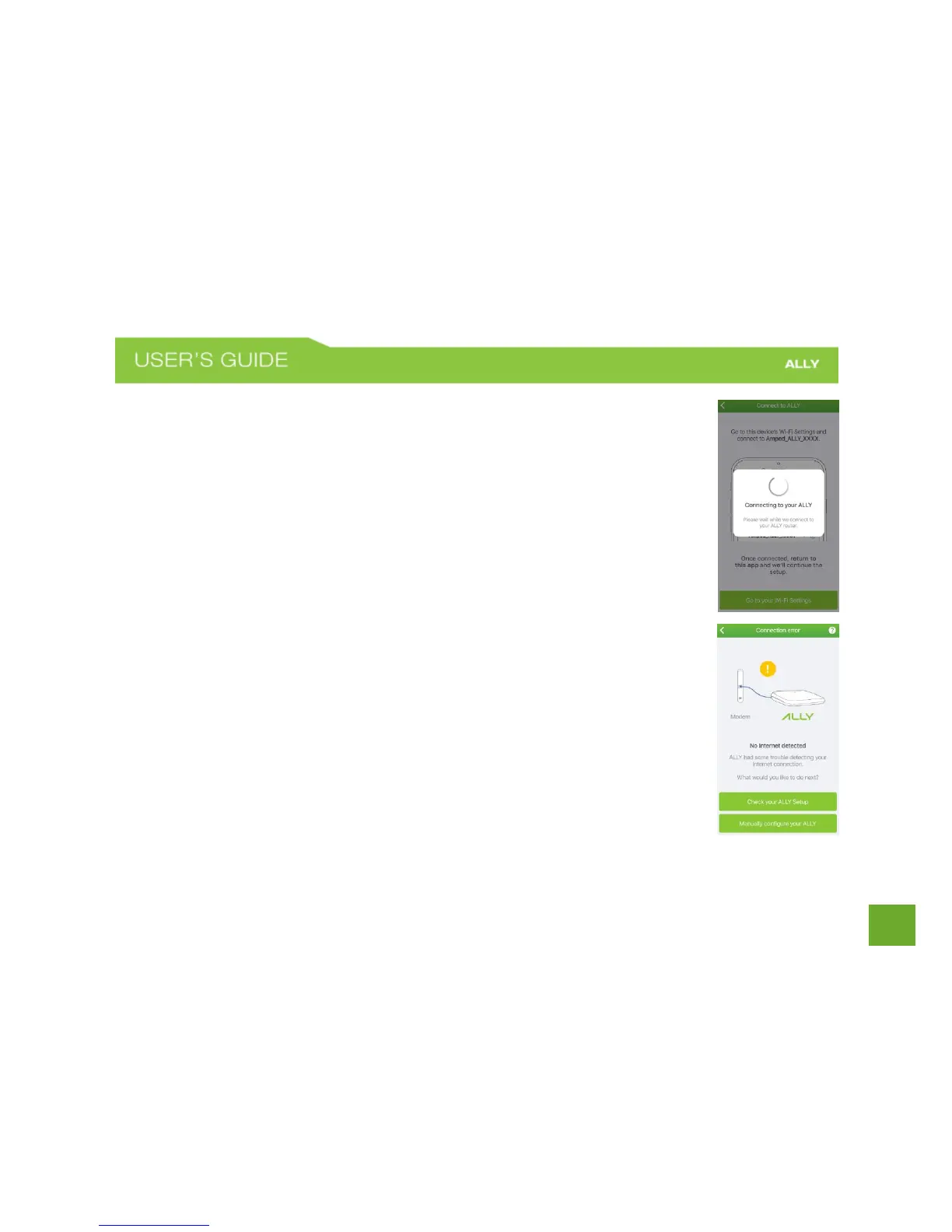
Internet Connection Detection
The ALLY App will try to detect your Internet settings and configure the ALLY Router.
Please be patient. Once your connection has been successfully configured you will be
directed to configure your Wi-Fi network settings.
If there is a problem with the configuration, the app will notify you of the issue as shown
in the screen on the lower right. At this point, please tap Check your ALLY Setup to
ensure you have connected your hardware correctly or if you choose to manually enter
your configuration settings tap the selection to do so (Do this for static IP, PPPoE or other
non DHCP, based installations). If you continue to have problems, contact our Elite
Support department at 888-573-8820.















 To Next Page