Pause the Internet
ALLY allows you to Pause the Internet for individual family members whenever you think that offline time is
needed. For scheduled offline time, see the Curfew section below.
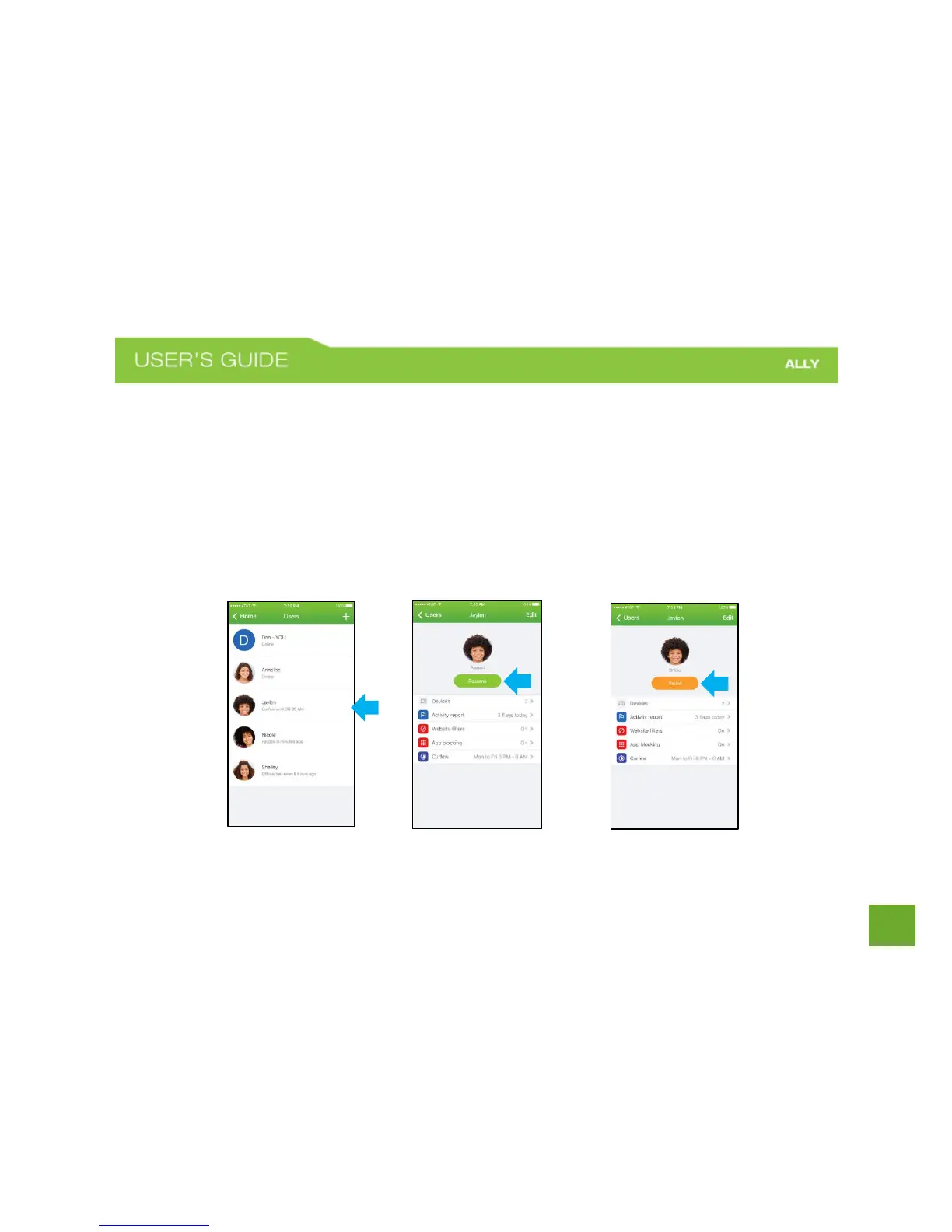
To Pause a Family Member
a) On the Home screen, tap Users.
b) Tap the family member you want to Pause.
c) On the User Profile screen tap Pause.
d) To Resume, tap again.















 To Next Page