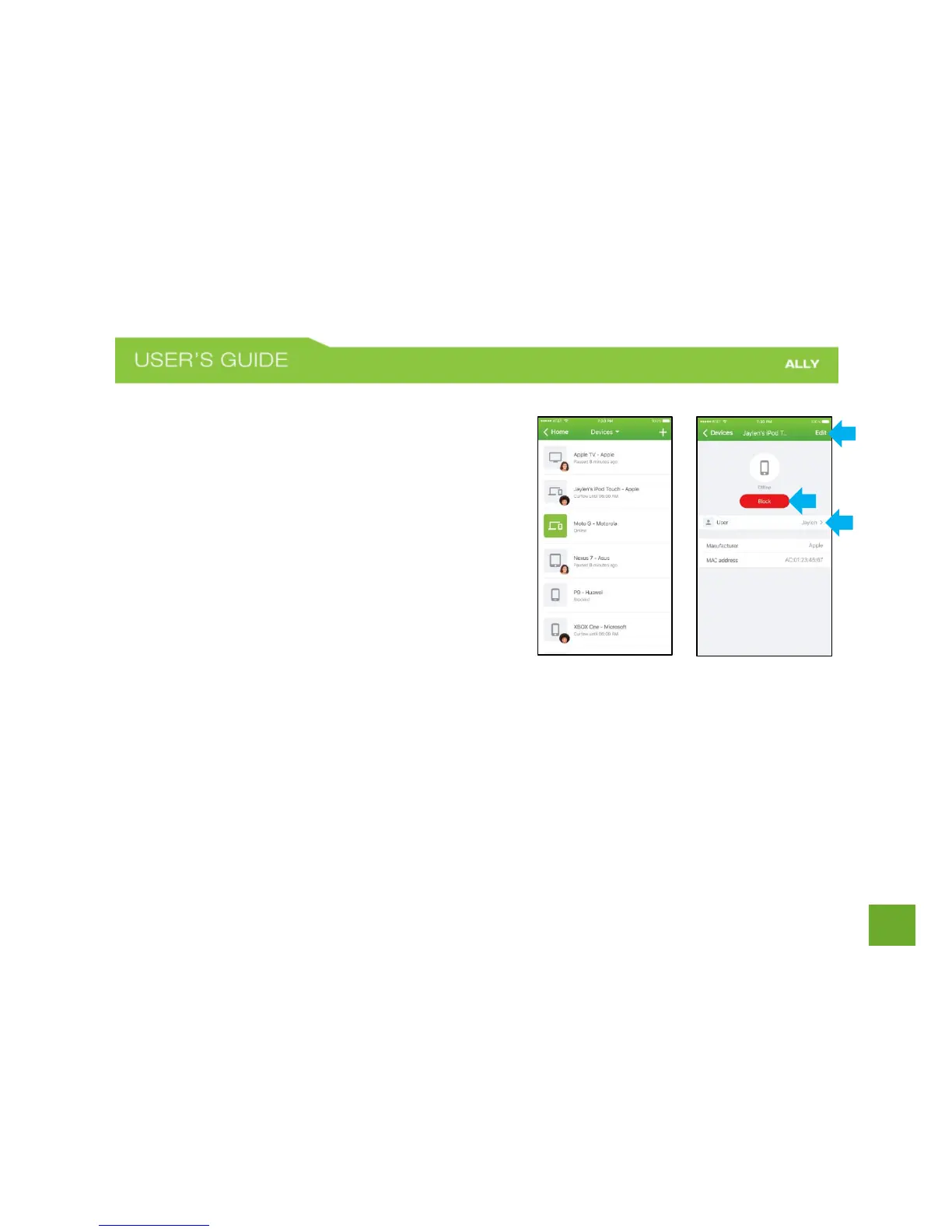
Devices
Devices screen lets you see all registered devices in your
network, status of these devices i.e. whether they are online
or offline and their host/manufacturer names
Tap on a device in the list to view and edit Device Settings.
Device Settings allows you to Block the device from the
network, assign the device to a different user, and change
device details.
o Edit: Rename device
o Block button: Tap to block device.
o User: Assign the device to a different user















 To Next Page