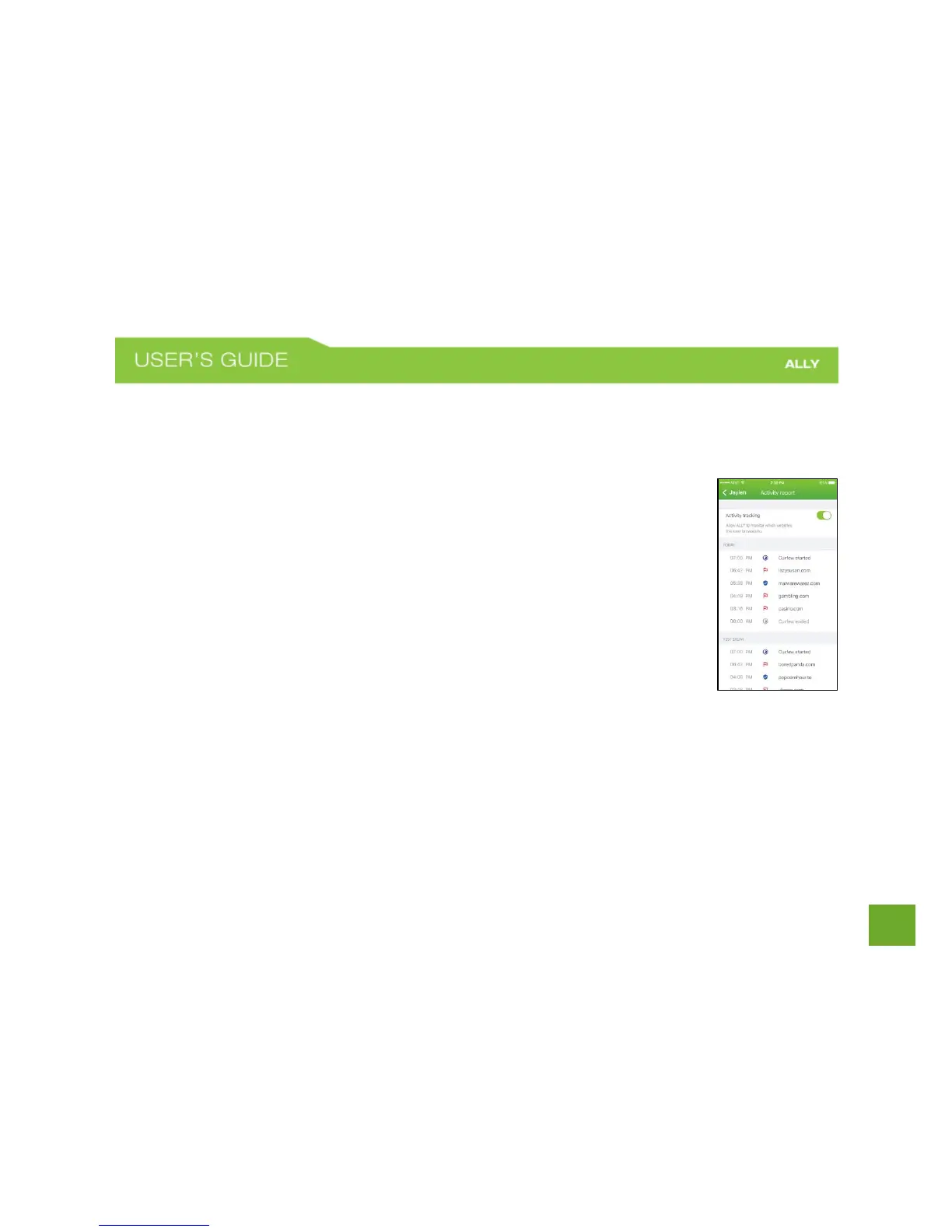
Activity Report
Activity Report lets you keep an eye on your family members’ online activity, so you can always intervene if
they stumble across harmful content.
To view your family members’ online activity, you must first enable Activity Tracking.
To turn Activity Tracking on
a) On the User Profile screen tap Activity Report.
b) Toggle the Activity Tracking switch to turn on.
NOTE: ALLY starts monitoring which websites they browse to only once activity tracking is
enabled. After enabling, it may take some time for activity to show up in the Activity
Report. ALLY will only show the online activity of devices that were assigned to that user.
To stop Activity Tracking
a) On the User profile screen, tap Activity Report.
b) Toggle the Activity Tracking switch to turn off.















 To Next Page