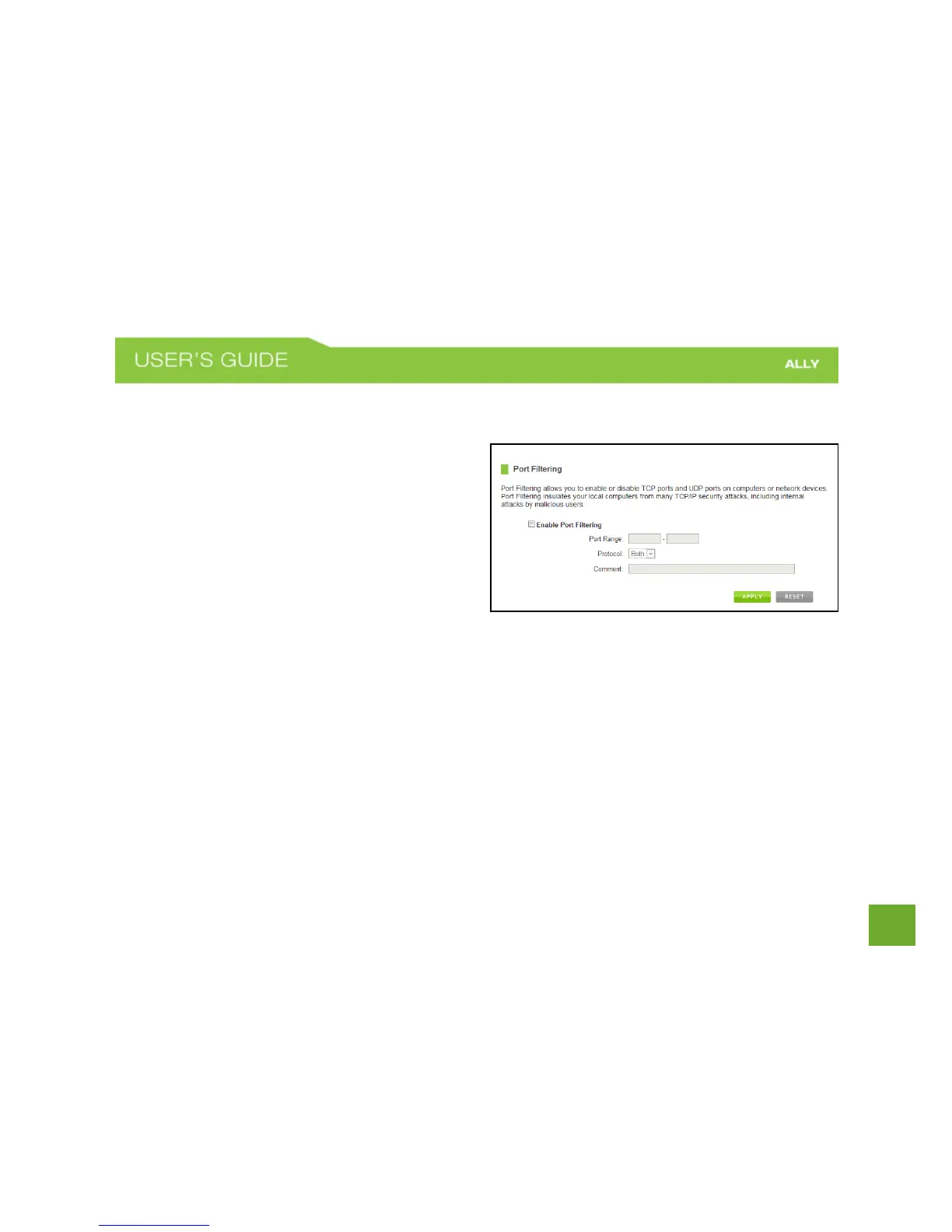
Firewall Settings: Port Filtering
Port Filtering is a security measure that prevents users
from using specific ports for reasons other than what
those ports were originally intended for. For example,
TCP port 21 is traditionally used for FTP. However,
there is nothing stopping a user from using port 21 for
purposes other than FTP access. By enabling Port
Filtering on TCP port 21, only FTP communications
would be allowed. No other types of communication
would be allowed on this port.
Hackers may sometimes scan for all open ports on your network as a method of hacking into your network.
Port Filtering and other firewall features help to prevent this from happening.
To set up Port Filtering, select a range of ports you wish to filter. If you are trying to filter a single port, enter
the port number twice. (For example, Port 21: 21 – 21) Select the Protocol of the port you are filtering. If you
do not know what protocol you wish to filter, select “Both.”















 To Next Page