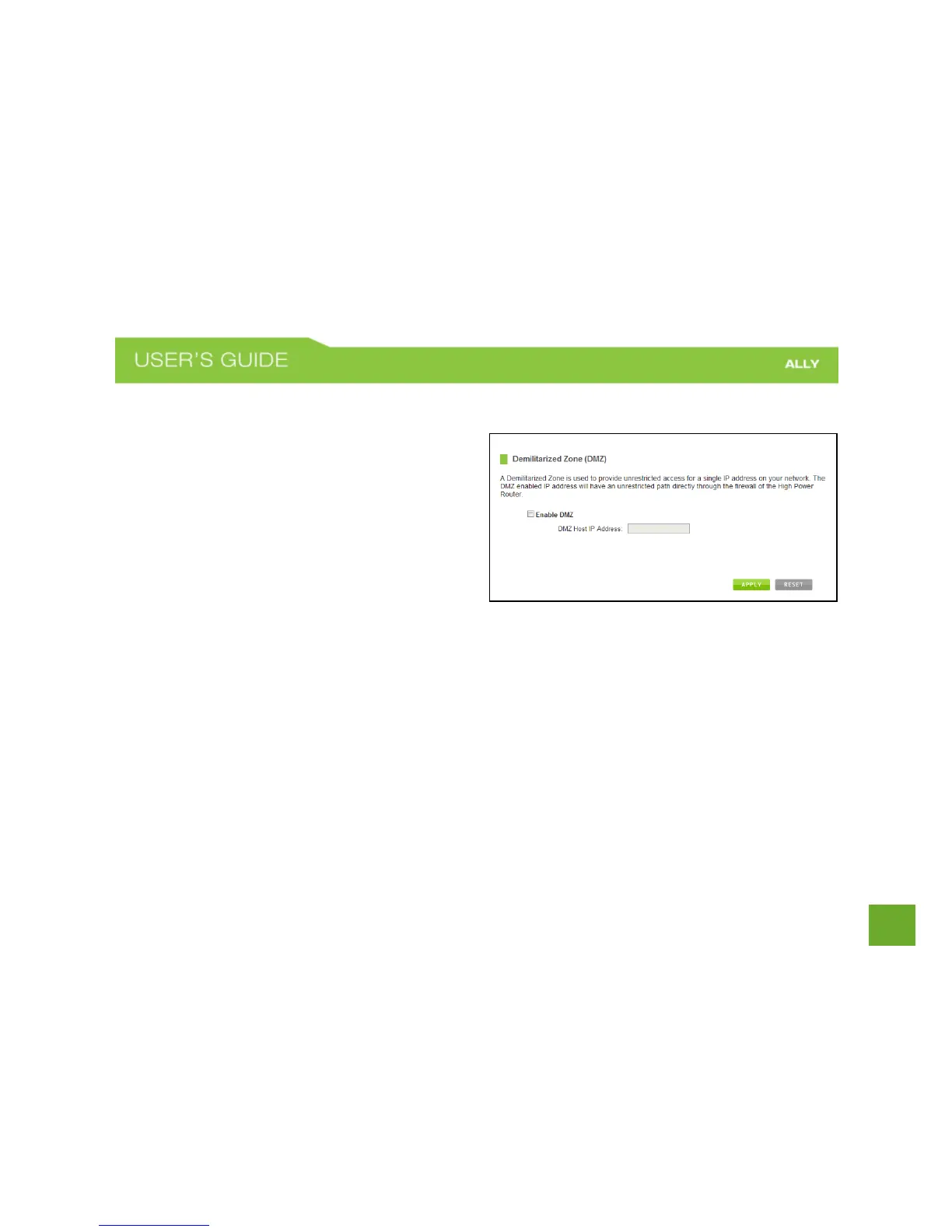
Firewall Settings: DMZ (Demilitarized Zone)
A DMZ is a network location or IP Address that is not
protected by the firewall. When enabling DMZ, it is
important to note that the device on the IP Address
designated as part of the DMZ does not have any
protection from the Router’s firewall. The device’s
only security would be those built into the operating
system.
As a general safety rule, devices placed on the DMZ should not have any other network connections to any
other devices.
Enable DMZ: Enables the Demilitarized Zone.
DMZ Host IP Address: The designated IP Address of the network device to have unrestricted access through
the Router’s Firewall.















 To Next Page