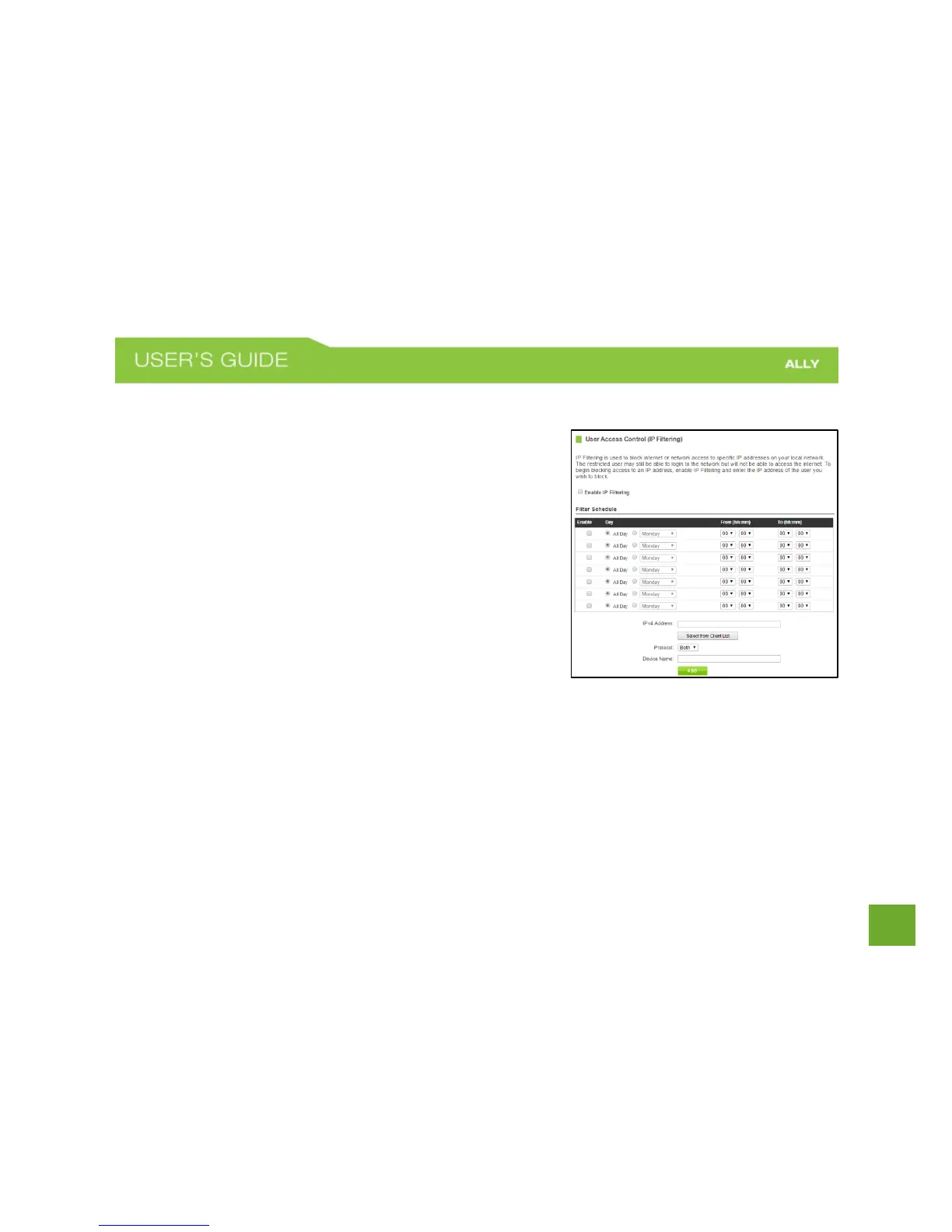
Security Features: User Access (IP Address Filtering)
User Access (IP Filtering) is similar to User Access (MAC filtering)
except that the Router uses the local IP address to filter the specific
data from the specified network protocol. For example, if you
chose to block TCP data packets from a specific computer, you
would need to figure out what that device's IP address is and select
TCP from the Protocol drop down menu.
If you are not sure which Protocol to filter, select "Both" as your
Protocol selection.















 To Next Page