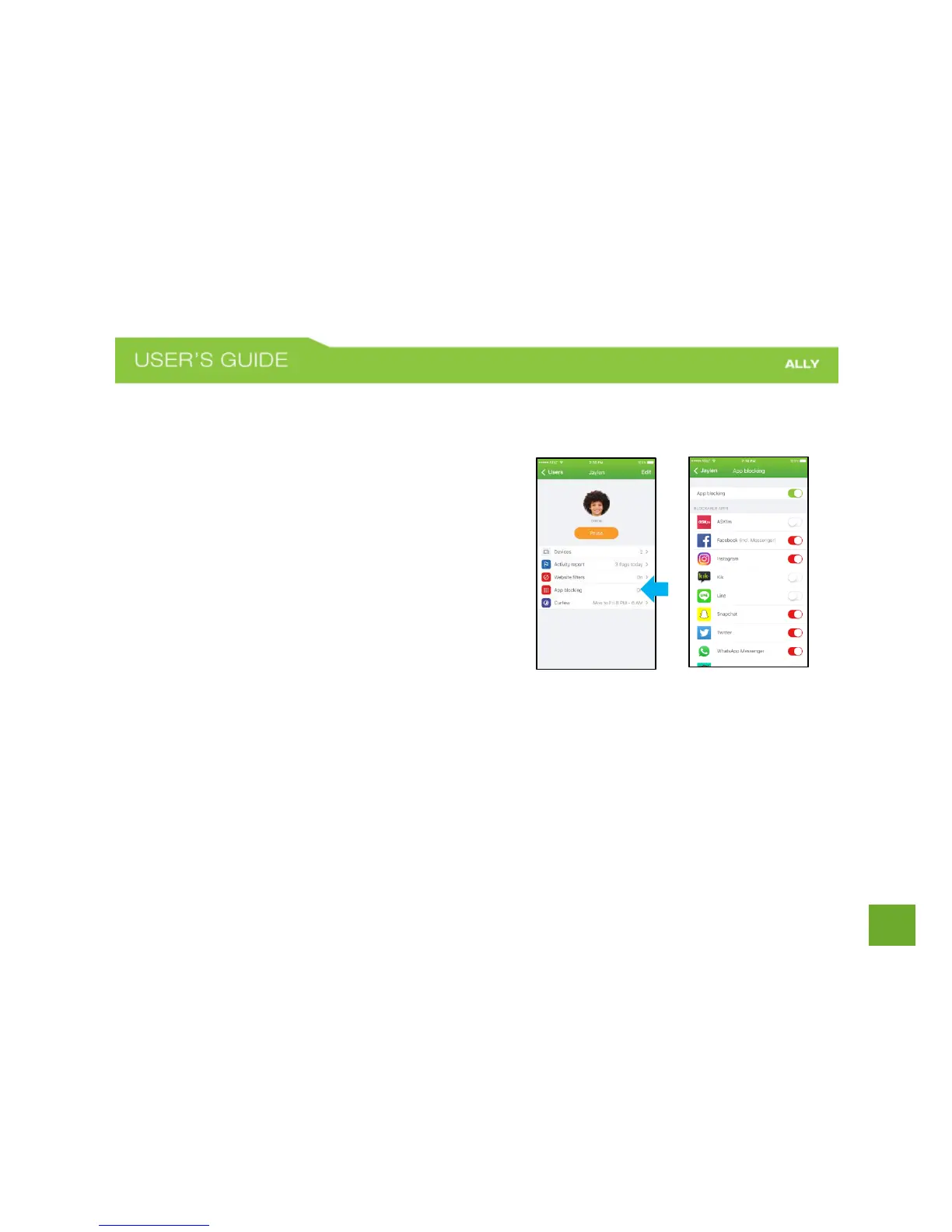
App Blocking
ALLY lets you to block apps and services for each family member. Blocked Apps will not be able to connect to
internet until unblocked.
To Block apps and services
a) On the User Profile screen, tap App Blocking.
b) Toggle the App Blocking switch to turn on.
c) Switch toggles on (red) to block apps and
services. Switch toggles off (white) to allow.
d) Tap the Back button when finished.















 To Next Page