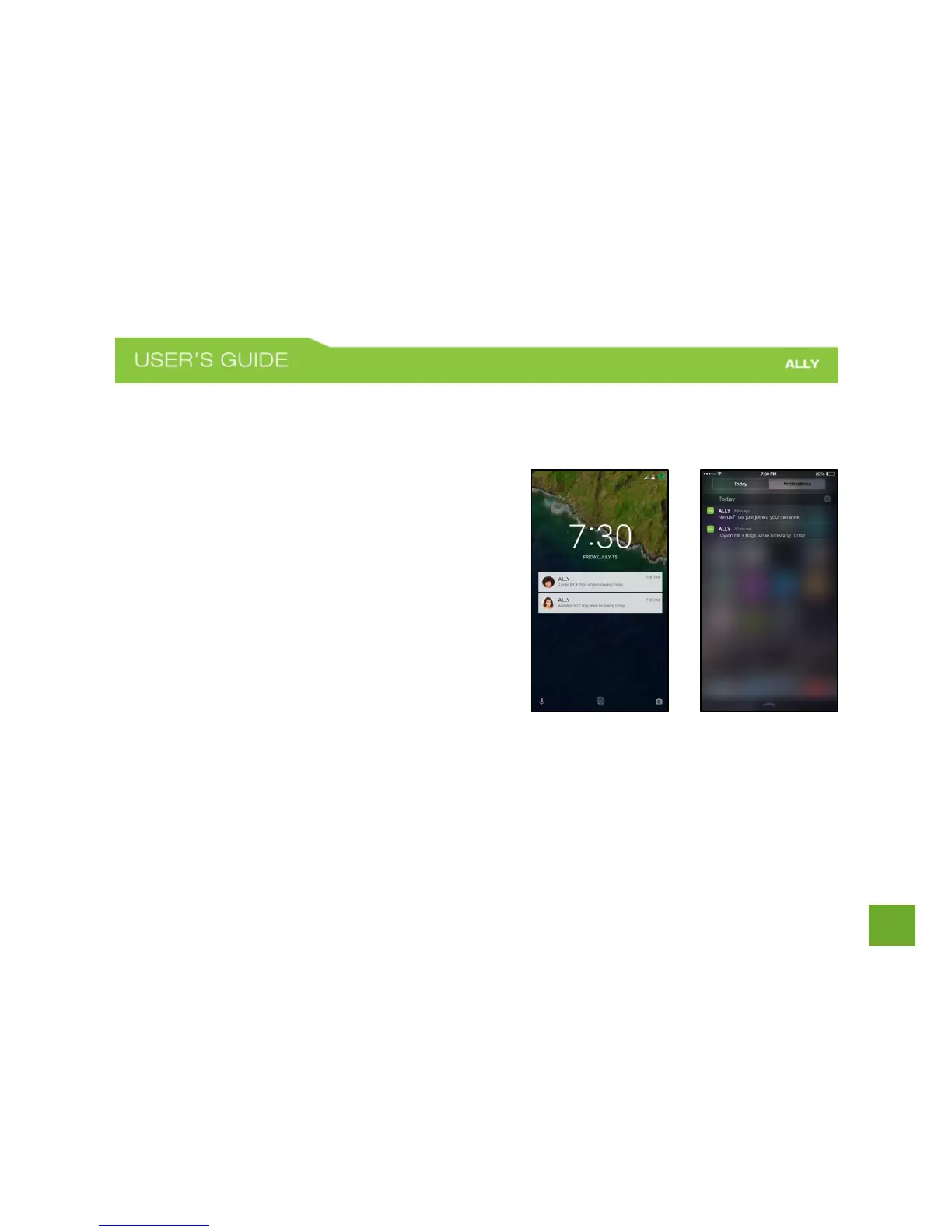
Activity Alerts (Push Notifications)
ALLY notifies you of important events on your network so you are always in control of what is happening for
example when a new device joins your network
You can enable or disable Activity Alerts by adjusting your
phone’s push notification settings.
a) For iOS devices: Go to your device’s Settings
and then Notifications. Scroll down to find ALLY.
Click on Notifications. Toggle Allow
Notifications to On or Off.
b) For Android devices: Go to your device’s
Settings. Scroll down to Sounds and
Notifications. Tap App Notifications. Scroll
down to ALLY. Turn notifications on or off.















 To Next Page