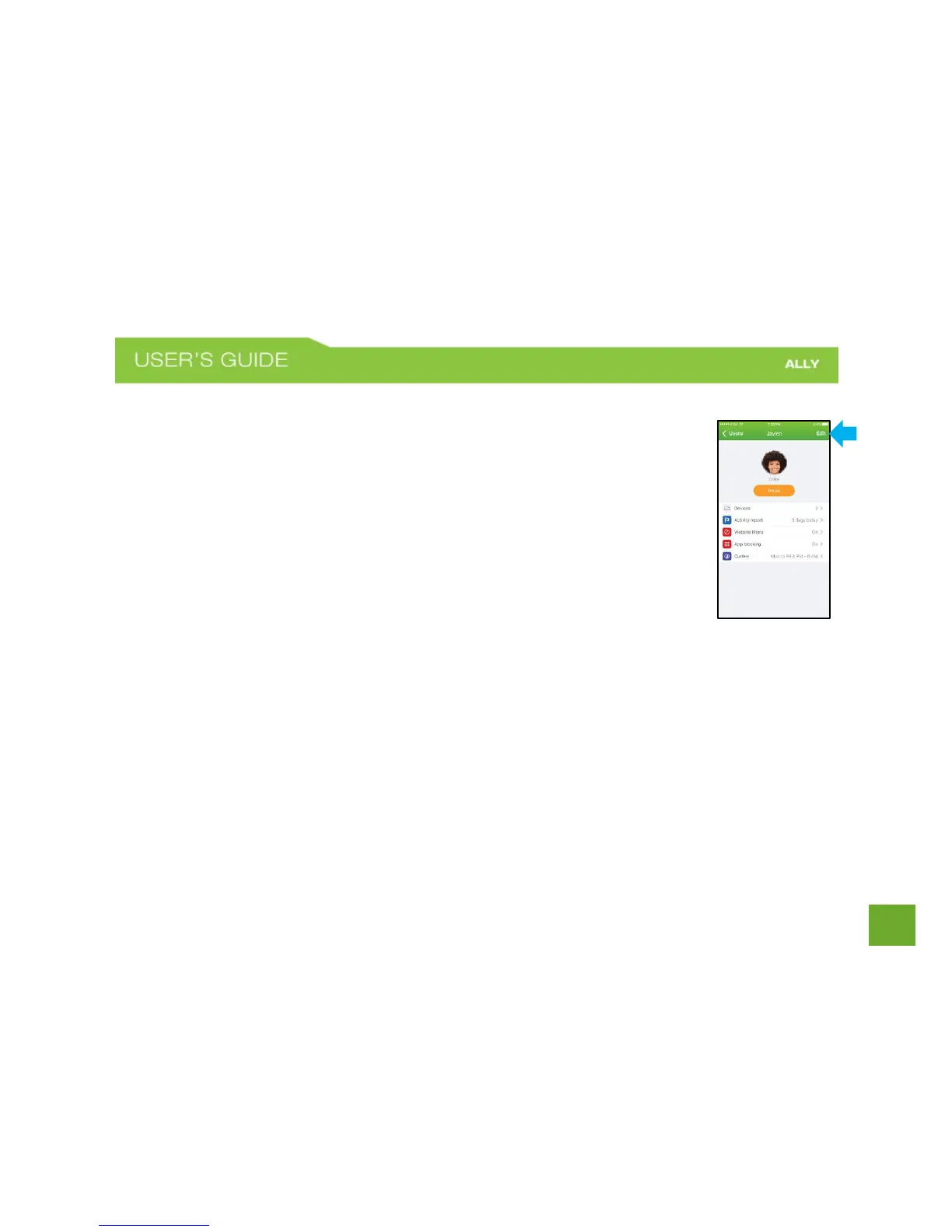
To edit or delete a User Profile
a) On the Home screen, tap Users.
b) Select the user profile that you want to edit or delete.
c) On the User Profile screen, tap Edit. Here you can change the profile name
and photo, and delete the profile.
NOTE: When you delete a User Profile the devices associated to that profile will be
become unassigned. You can add them to a different user profile or keep them
unassigned.















 To Next Page