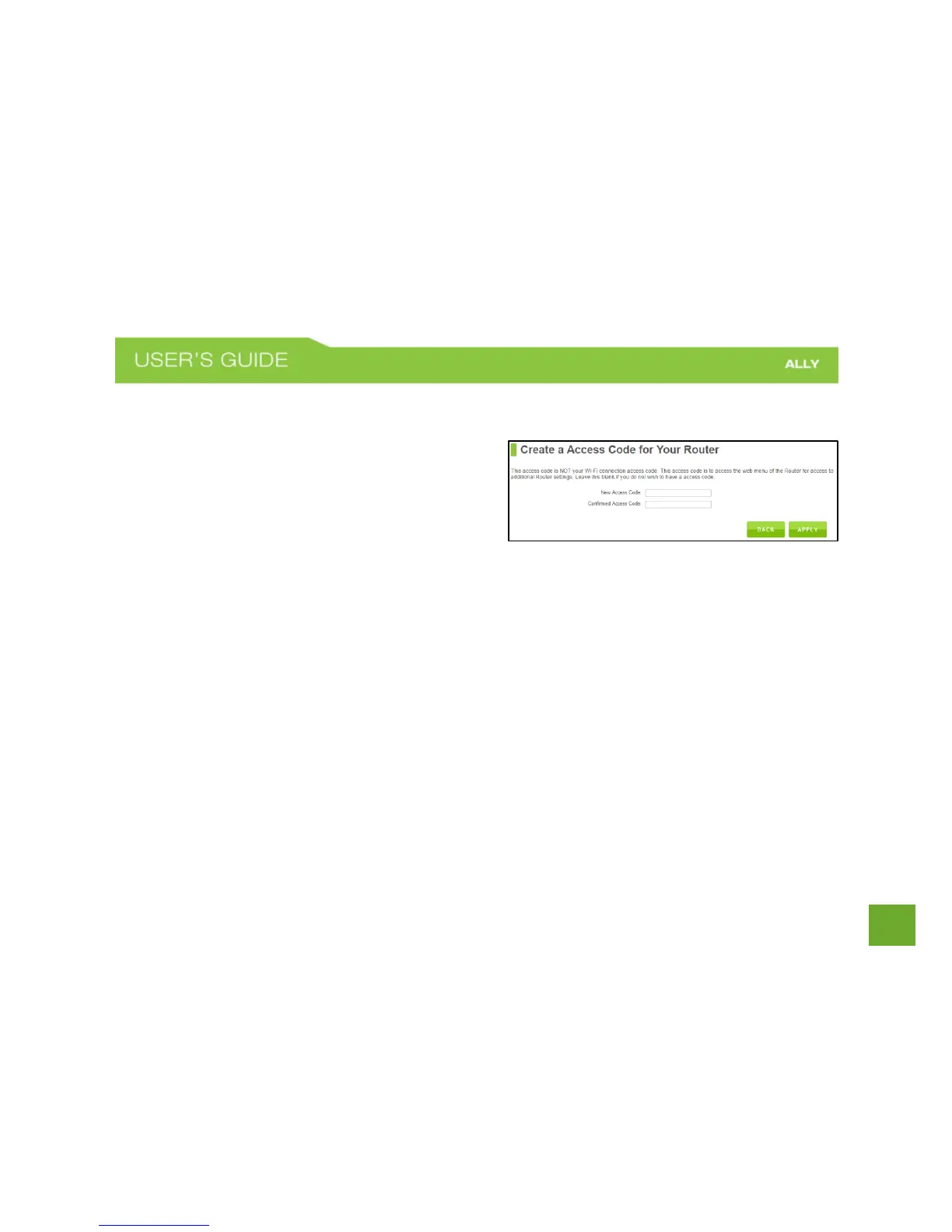
Create a Password for your Router
This password is NOT your Wi-Fi network password. This
password is to access the web menu of the Router to
access additional router settings. Leave this blank if you
do not wish to have a password.
Click Apply to save your settings.
The Router will reboot. This process may take up to 1 minute. The page will automatically reload after the
countdown. If it does not, you may need to manually refresh the page or check your connection to the Router.















 To Next Page