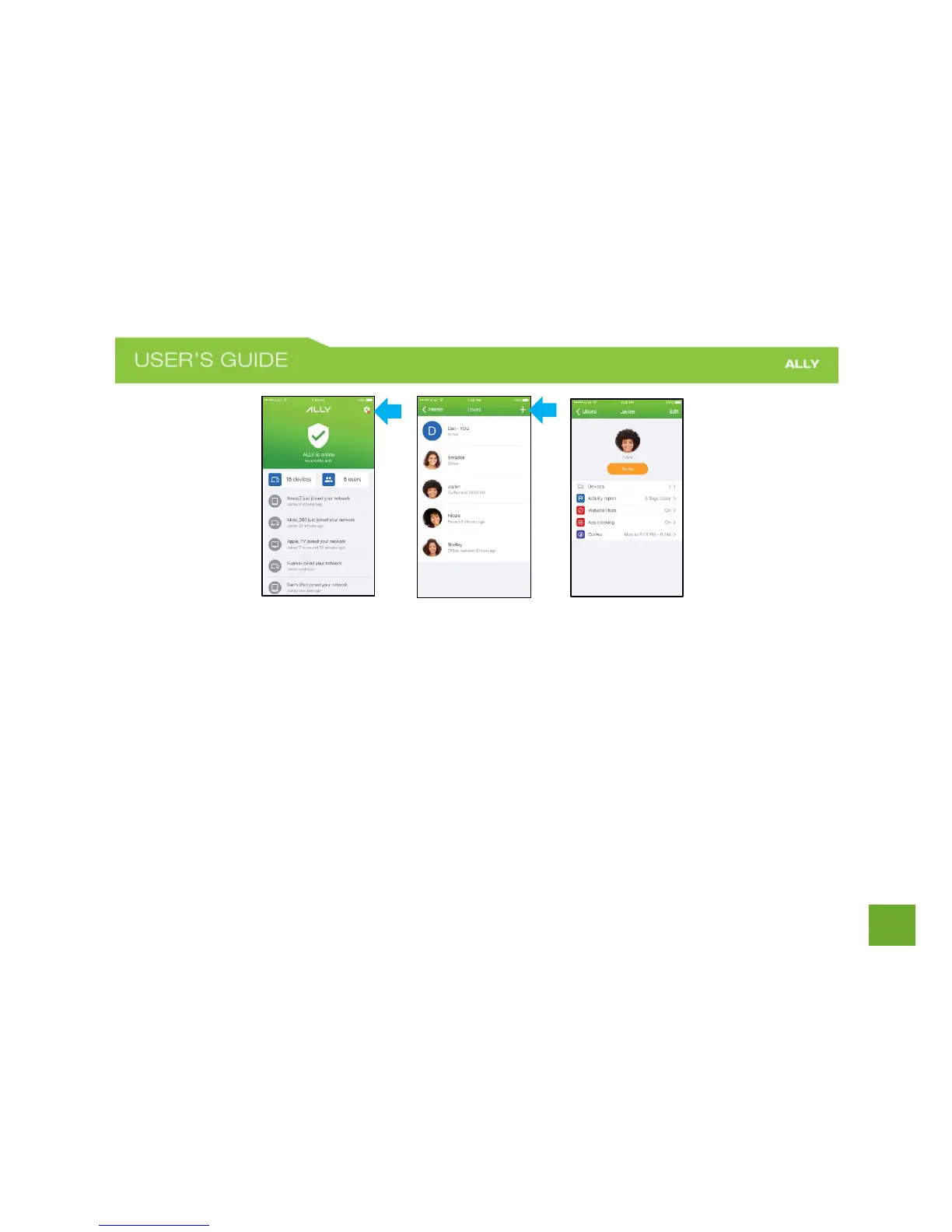
To create User Profiles for your family members
a) On the Home screen, tap Users.
b) Tap the + sign in the top-right corner to Create a New User.
c) Enter a name and add a photo (optional).
d) Select the devices that you’d like to assign to the profile.
NOTE: ALLY will apply the profile settings to the devices that you select. A device can be assigned to
only one user profile at a time.
e) Tap done in the upper-right corner.















 To Next Page